A beginner-friendly guide to removable, permanent, and iron-on vinyl for Cricut. Learn which vinyl to choose, how to apply it, and how to avoid common mistakes.
Maker Vinyl
Updated October 17, 2026
Cricut Smart Materials vs. Standard Vinyl
Cricut Smart Materials promise matless cutting and faster crafting, but they cost more. Here’s how Smart Vinyl and Smart HTV compare to standard vinyl, when they’re worth it, and when a mat still wins.

Harper Davis
Harper Davis is a lifelong DIY enthusiast and cutting-machine expert who loves helping beginners conquer Cricut Design Space. With over six years of experience running a custom vinyl shop, she shares practical tutorials, material guides, and creative inspiration.
If you have ever stared at your Cricut mat like it personally offended you, I get it. Between linty corners, mystery bubbles, and that one tiny piece that refuses to release, mats can feel like the least fun part of vinyl crafting. Cricut Smart Materials are the shiny promise of a simpler life: feed the roll, skip the mat, and let your machine do its thing.
But Smart Materials also come with a higher price tag and a few gotchas that nobody mentions until you learn the hard way. Let’s break down what Smart Materials really are, how they compare to standard vinyl, and how to decide what makes sense for your budget and your workflow.
What Smart Materials are
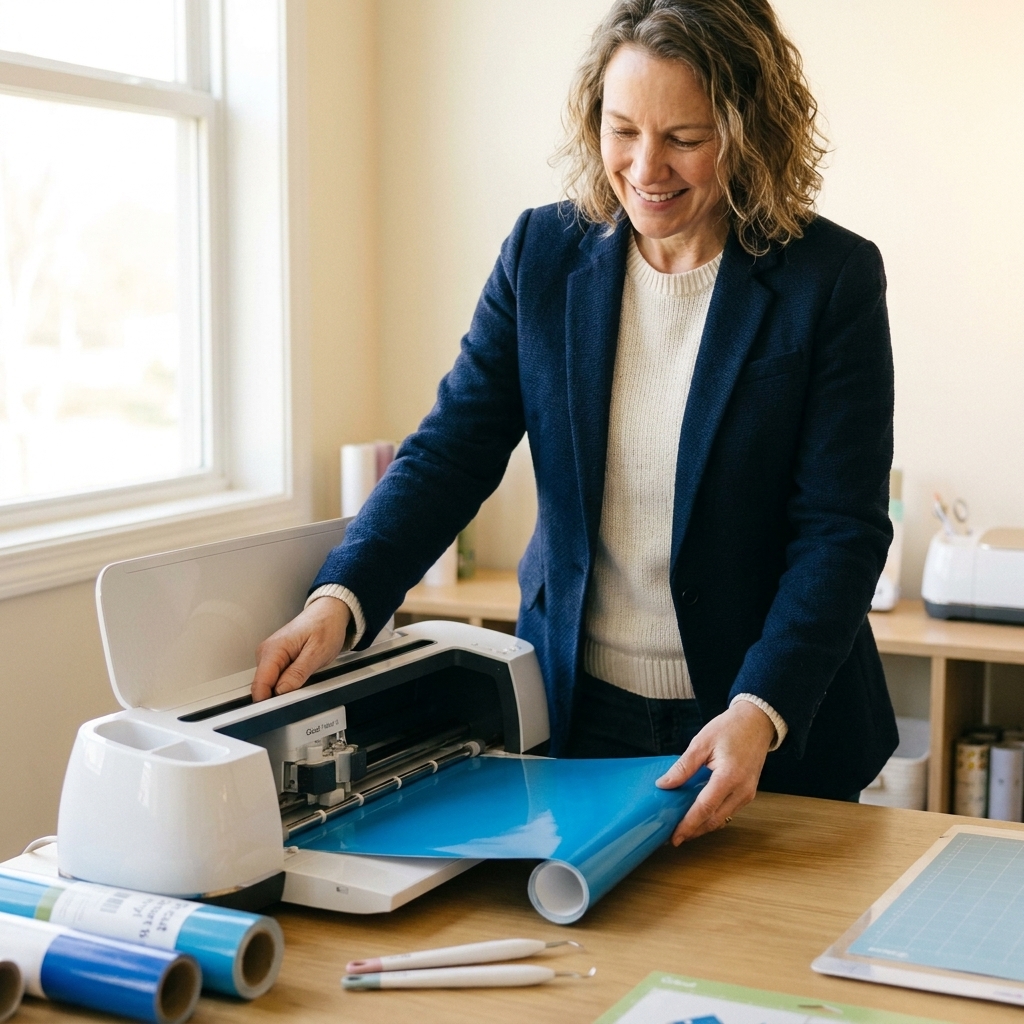
Smart Materials are Cricut’s proprietary vinyl and iron-on that are designed to be cut without a cutting mat on compatible machines. They are stiffer than most standard vinyl, and they rely on the machine’s roller system to grip and track the material accurately during a matless cut.
Common types
- Smart Vinyl (Permanent) for mugs, signs, outdoor decals, and other durable projects.
- Smart Vinyl (Removable) for wall decals, labels, temporary signage, and anything you might want to peel off later.
- Smart Iron-On (Smart HTV) for apparel and fabric projects.
- Smart Paper Sticker Cardstock and other specialty Smart materials for specific machines and project types.
Important note: Smart Materials are not “better vinyl” across the board. They are different vinyl, engineered for the matless workflow.
Which machines support matless?
Matless cutting is not a universal Cricut feature. You need a Cricut machine with rollers and sensors designed for Smart Materials.
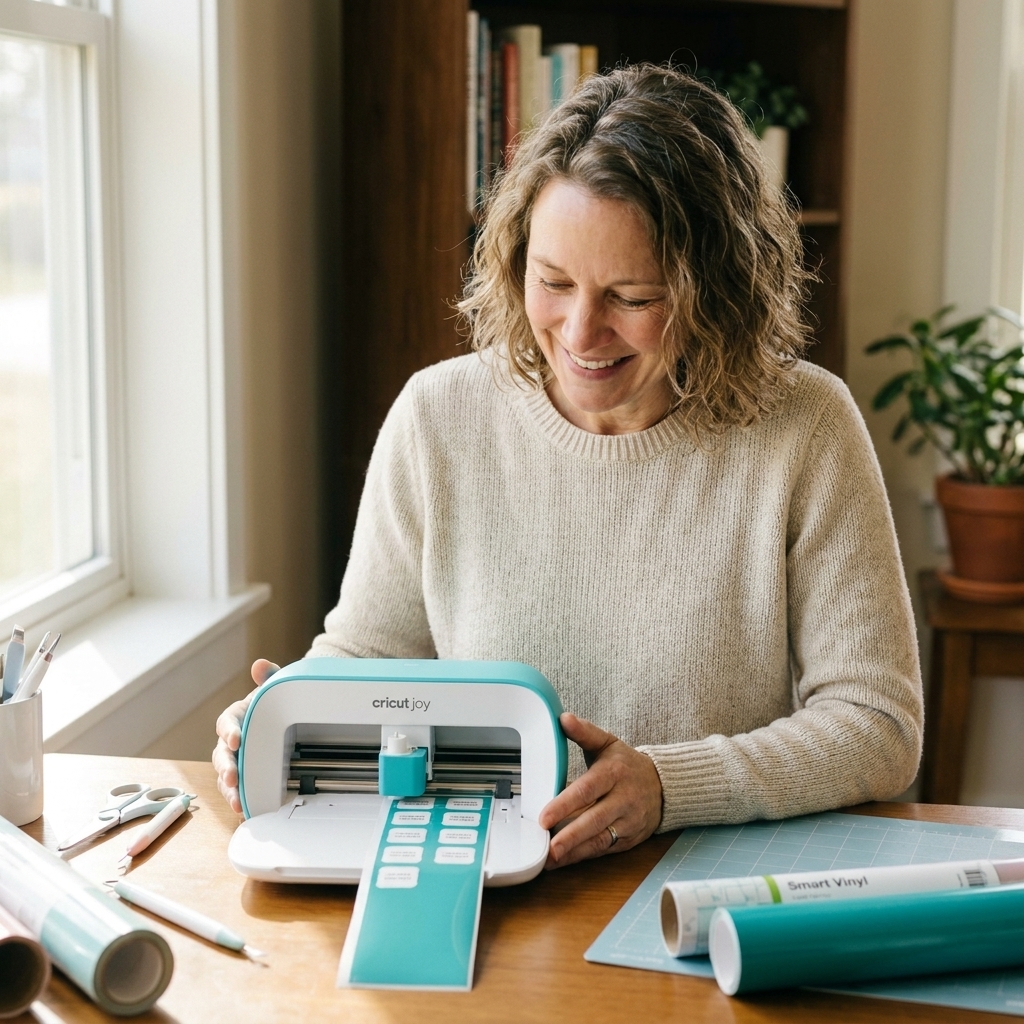
- Cricut Joy and Cricut Joy Xtra: Designed around Smart Materials for smaller and medium projects.
- Cricut Explore 3 and Cricut Maker 3: Built for Smart Materials and long matless cuts.
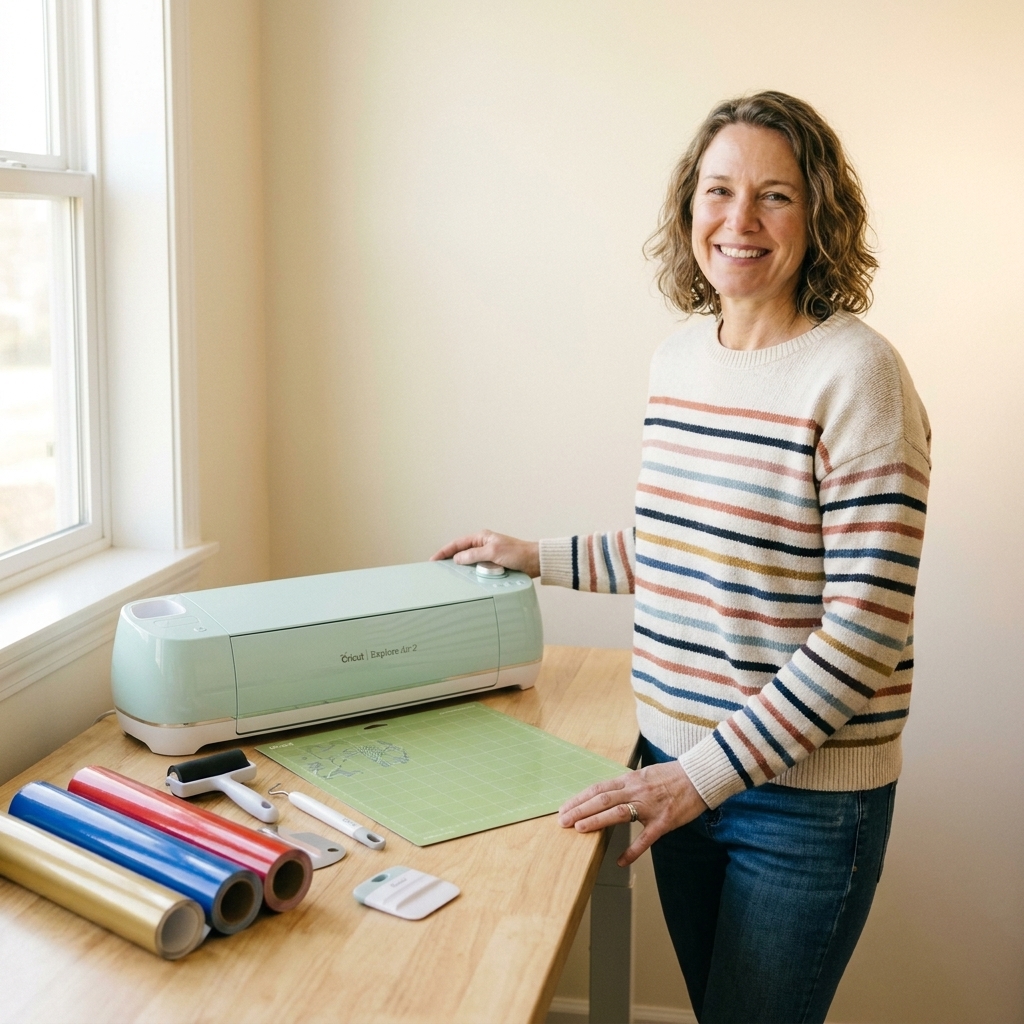
If you have an older Explore Air 2 or original Maker, you can still cut Smart Materials, but you will typically use them on a mat. One practical caveat: Smart Materials are packaged for matless cutting, so you may need to trim them down to fit your mat size and your usable cutting area. If you are not cutting matless, you are paying the premium without getting the main benefit unless you simply prefer how that material handles.

Smart vs. standard vinyl
1) Cost per project
Smart Materials almost always cost more per foot than standard vinyl. Standard vinyl is a wide world, from Cricut-branded rolls to Oracal, Siser, StarCraft, Teckwrap, and dozens of other craft and sign-grade options. Competition drives pricing down, and you can buy in bulk.
Where the cost shows up:
- Smart Materials: higher per-foot cost, plus you may feel locked into certain widths and lengths.
- Standard vinyl: lower per-foot cost, especially if you buy 12 inch by 5 foot rolls, 12 inch by 10 foot rolls, or full 24 inch and 30 inch sign shop rolls you cut down.
My take: If you sell decals or shirts, standard vinyl almost always wins on margins. If you craft occasionally and value convenience, Smart Materials can still be worth it.
2) Setup time and workflow
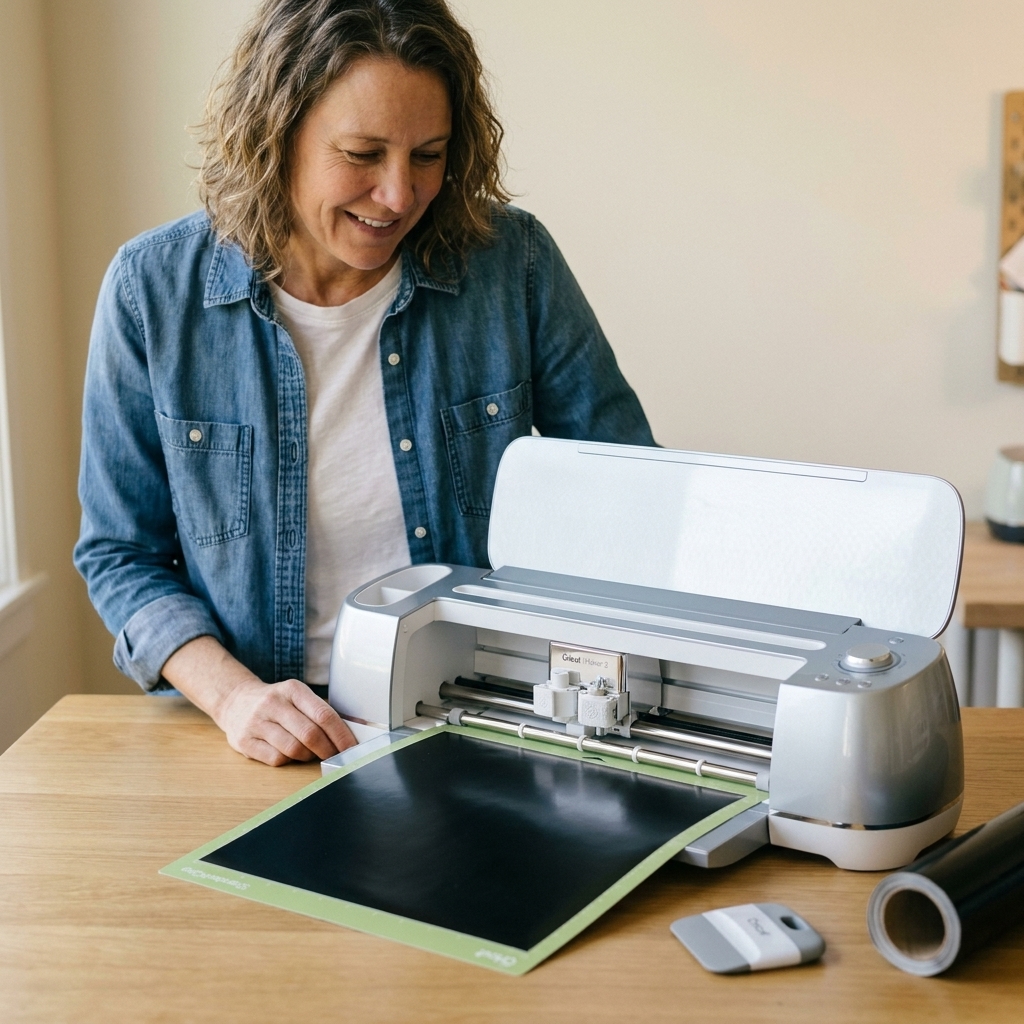
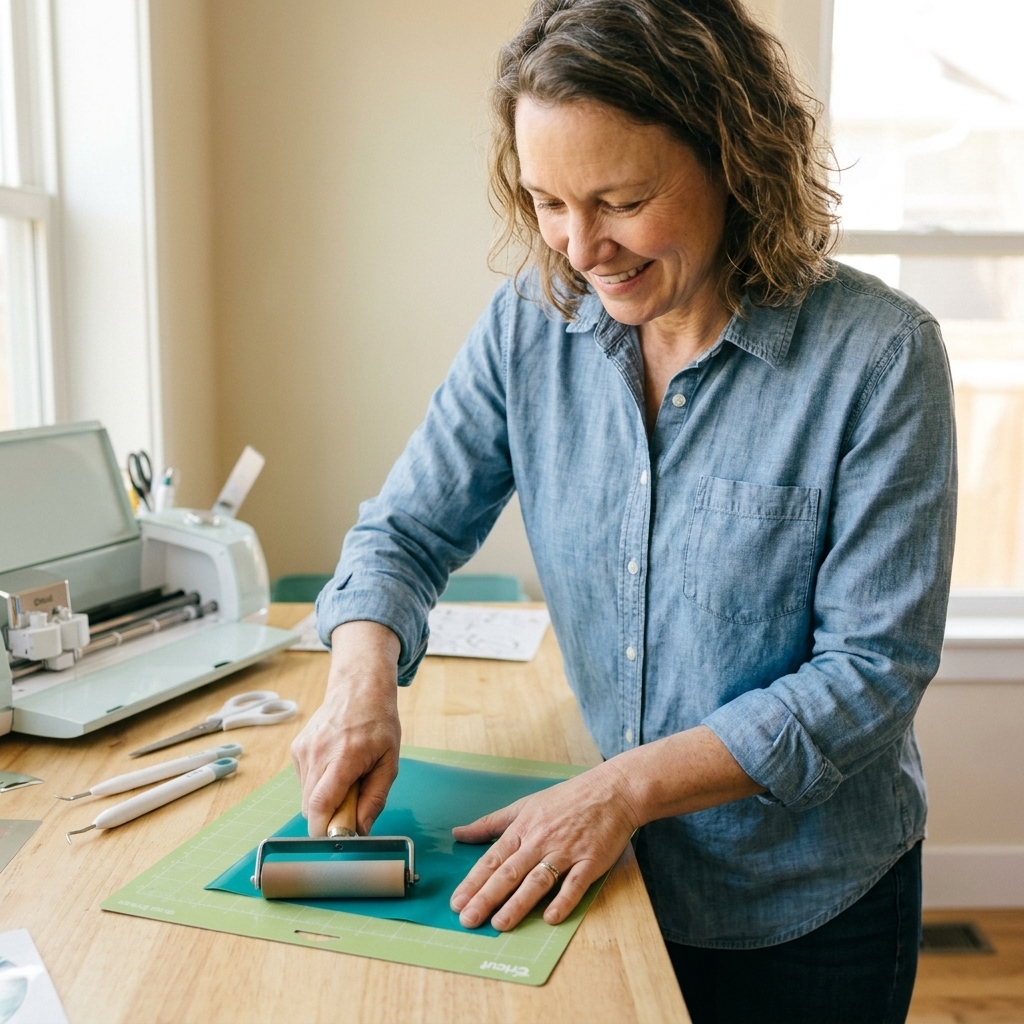
This is where Smart Materials shine. With standard vinyl, your process looks like: cut a piece, place it on a mat, brayer it down (a little roller), load the mat, cut, unload, and then deal with the mat again.
With Smart Materials: trim the leading edge straight, feed the material into the machine, and cut. For quick labels, small decals, or repeated cuts, that time savings feels real.
Hidden time factor: Standard vinyl on a mat can be faster for small scraps. If you are a “scrap goblin” like me and you keep every usable piece of vinyl, mats help you use those odd shapes efficiently.
3) Waste and minimum lengths
Matless cutting requires extra material at the beginning and end so the machine can grip and track. Cricut recommends leaving extra material for matless cuts, and the exact amount varies by machine, material, and project length. Translation: expect a little extra “leader” and “trailer” waste compared to placing a design snugly on a mat.
Standard vinyl advantage: On a mat, you can place your design tight to the corner, nest multiple cuts, and squeeze every inch out of a scrap.
Smart Materials advantage: For long runs of the same decal or long wall quotes, matless is awesome because you are not limited by mat length in the same way. (Just keep in mind that maximum matless cut length is model-specific, and very long cuts benefit from good roll support.)
4) Cut quality and consistency
When everything is dialed in, Smart Materials cut beautifully. But matless cutting is less forgiving. A slightly curled roll, a crooked feed, or a little debris on your rollers can throw off tracking on a long cut.
Standard vinyl on a mat gives you a stable, flat cutting surface. For tiny text, intricate designs, and fussy HTV details, I still prefer a mat most of the time.
5) Feel, weeding, and finishing
Smart Vinyl tends to feel a bit stiffer. That stiffness is part of what helps it feed without a mat, but it can also affect how it weeds and how it conforms over textured surfaces.
- For flat decals and clean signage: Smart Vinyl is totally fine.
- For curved tumblers, deep textures, and wrap-around applications: many makers prefer flexible sign vinyl like Oracal 651 or similar.
- For HTV: Smart Iron-On works well, but many makers still prefer Siser EasyWeed or other HTV brands for softness and stretch, depending on the project.
6) Options and colors
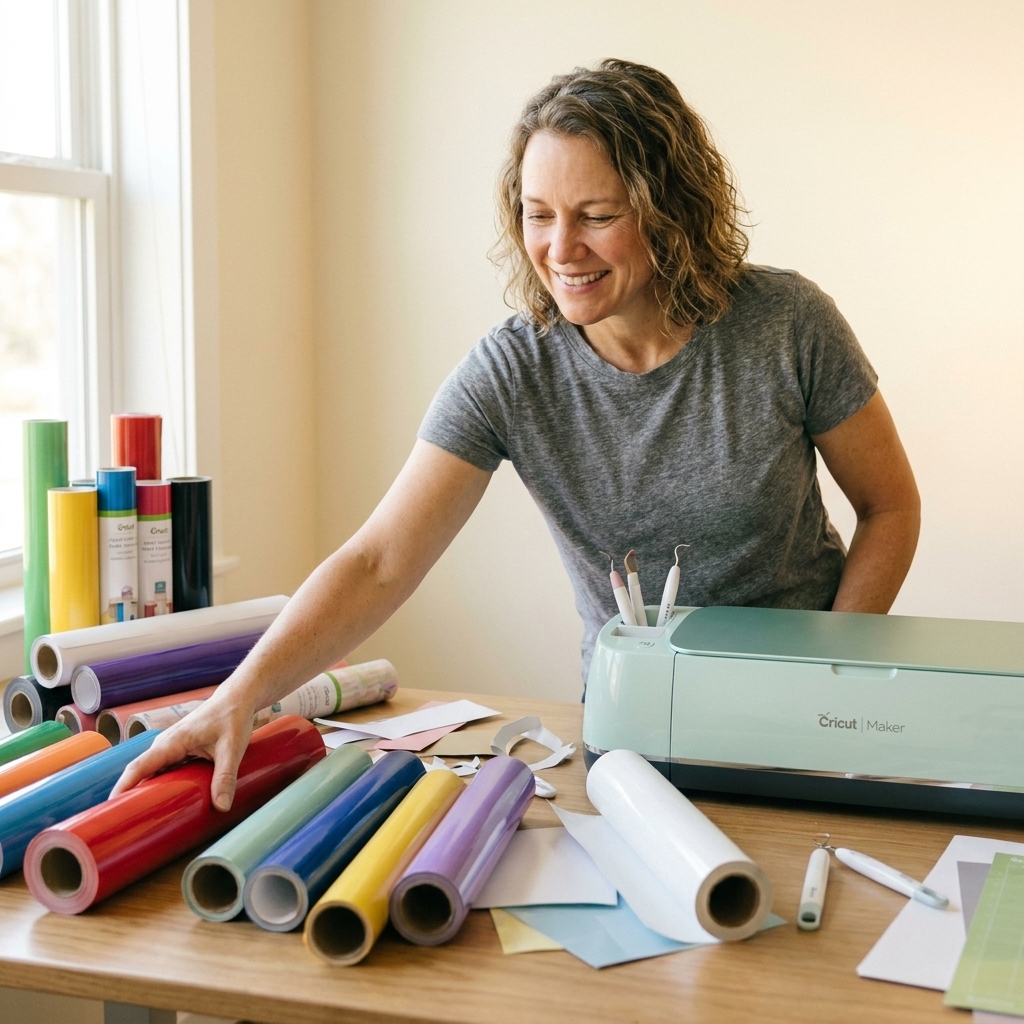
Standard vinyl wins for variety. Specialty finishes, niche colors, patterned HTV, glitter that actually lasts, printable vinyl options, and bulk packs are easier to find outside the Smart ecosystem.
Smart Materials have a good selection, but it is curated. If you are picky about shades or you want consistent color matching across brands, you will feel the limits faster.
Sizes and constraints
This is the part that trips people up, especially when switching between machines or trying to use Smart Materials on a mat.
- Smart Materials come in Smart-friendly sizes. They are commonly sold in formats meant to feed directly into the machine (for example, Joy-sized widths and wider rolls for Explore 3 and Maker 3). That packaging is part of the convenience, but it also means you might not get a neat 12 inch by 12 inch sheet experience.
- Matless cuts have width rules. Your machine expects specific widths for matless cutting, and it can refuse a matless job if the material is the wrong size or not loaded straight.
- Using Smart on a mat may require trimming. If you are placing Smart Vinyl on a standard mat, you will often need to cut it down to match your mat size and the design space you need. It works, it is just not the point of Smart Materials.
When matless is worth it
Here are the situations where I happily reach for Smart Materials, even knowing they cost more.
- You make long decals often, like porch signs, wall quotes, or long business branding decals, and you want to skip mat juggling.
- You do quick personalization in batches, like names on water bottles, pantry labels, or teacher gifts where setup time is the bottleneck.
- You craft in a small space and do not want to store multiple mats or deal with mat stickiness.
- You hate mat maintenance and you are willing to pay for the convenience. No judgment. Craft peace is worth something.
When standard vinyl wins
If you nodded along to any of these, standard vinyl plus a mat is usually the smarter choice.
- You want the lowest cost per decal or shirt, especially if you sell your work or craft a lot.
- You use scraps constantly and you love squeezing multiple designs into odd leftover pieces.
- You cut intricate designs with tiny lettering, thin lines, or lots of detail.
- You already own older Cricut machines that do not support matless Smart cutting.
- You want the biggest selection of finishes, especially for HTV and specialty vinyl.
Also, if you already have a rhythm with your mats, cleaning spray, a brayer, and a little patience, standard vinyl is not as “slow” as it sounds. It just feels slow when you are in a hurry.
Cost and time reality check
When I ran my custom vinyl shop full-time, I cared about two things: consistent results and keeping my material cost predictable. Standard vinyl won most of the time.
Now, when I am crafting for fun or trying to knock out a stack of quick gifts, Smart Materials can feel like a little luxury upgrade. They do not replace standard vinyl for me, but they absolutely earn a spot in my craft room.
Simple way to decide
- If you craft occasionally and mats feel like a chore: Smart Materials are often worth it.
- If you craft weekly or sell your work: standard vinyl is usually the better long-term value, and mats become part of the system.
- If you do long decals regularly: Smart Materials can be worth it even if you craft a lot.
Tips for Smart Materials
If you are going to pay the premium, let’s make sure you get premium results.
- Trim the leading edge straight. A crooked edge can cause tracking issues.
- Let curled rolls relax. If your Smart Vinyl wants to spring into a tube, unroll it for a bit or gently reverse curl it.
- Keep rollers clean. Dust, glitter, and vinyl bits can reduce grip.
- Support long cuts. If your roll is heavy, support it so it is not tugging while the machine feeds.
- Use a mat for fussy cuts. Even if you own a Smart-capable machine, a mat can be the difference between perfect tiny text and a frustrating mess.
Tips for standard vinyl
If you are sticking with standard vinyl, a few small habits make it feel way less annoying.
- Use the right mat strength. LightGrip for thinner materials, StandardGrip for most vinyl. A too-sticky mat can stretch material and make weeding miserable.
- Brayer your vinyl down to avoid bubbles and lifting corners.
- Trim your vinyl to mat size so you are not fighting extra overhang.
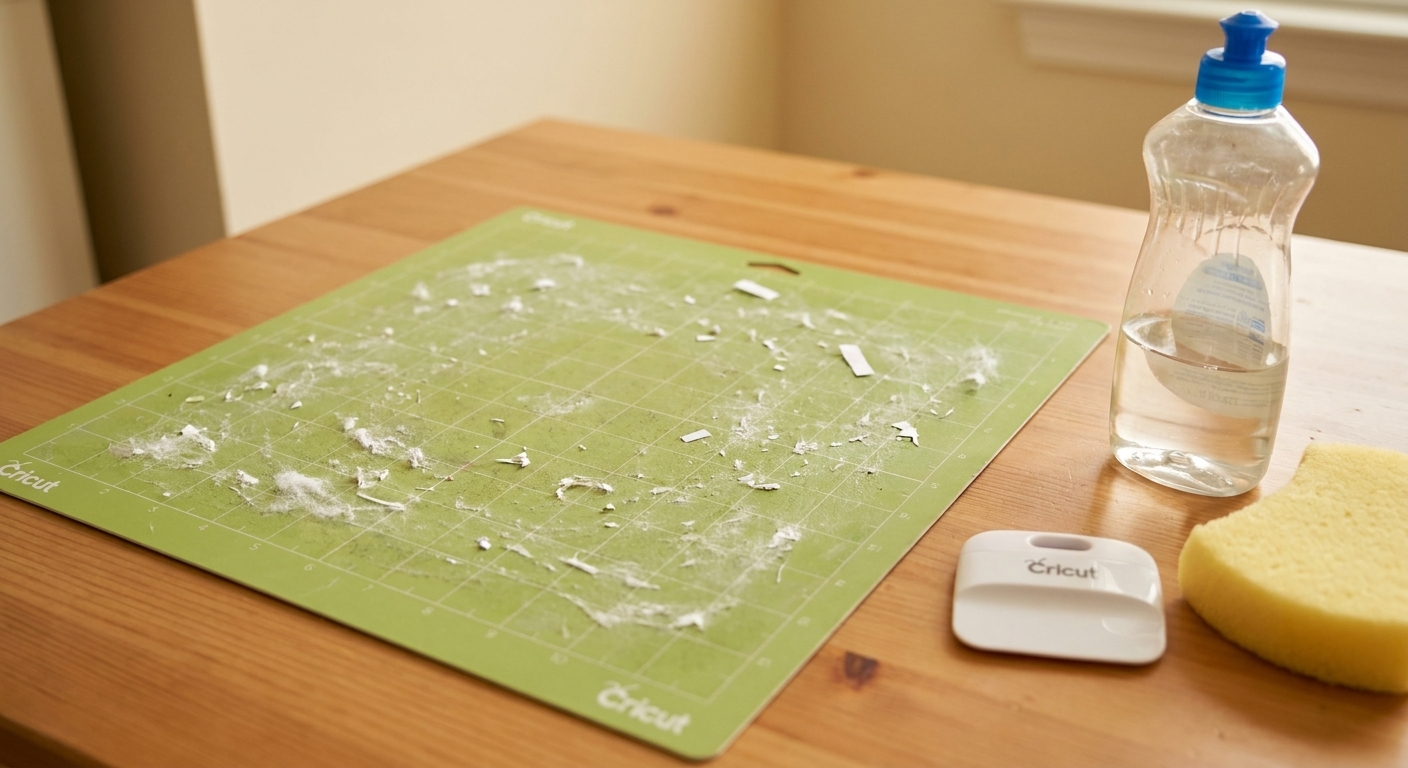
- Clean mats regularly so you can use less pressure to get good adhesion.
- Save scraps intentionally. Store by color family or size, so scraps are actually useful when you need them.
FAQ
Can I use Smart Materials on a mat?
Yes. You can place Smart Vinyl or Smart Iron-On on a mat like standard materials. This is helpful for intricate designs or when you are working with smaller pieces. Just remember you are not getting the main benefit, which is matless cutting. You may also need to trim Smart Materials down to fit your mat and your project size.
Can I cut standard vinyl without a mat on a Maker 3 or Explore 3?
Not reliably. Standard vinyl is generally too flexible to track well without a mat, and the machine is not designed to do matless cuts with it. If you try it, expect shifting and wasted vinyl.
Do Smart Materials cut faster?
On compatible machines, Cricut promotes faster cutting with Smart Materials, but that speed claim is model and material dependent. In practice, the biggest speed boost is usually less setup time, not just the blade moving faster.
Is Smart Vinyl better quality than standard vinyl?
It is solid quality, but “better” depends on the job. For outdoor decals and signage, many makers prefer established sign vinyl like Oracal for durability and flexibility. For quick projects and convenience, Smart Vinyl is great.
Do I need special tools for Smart Materials?
No special tools, but a good weeding set, a scraper or squeegee, and reliable transfer tape matter. For Smart Vinyl, you still apply transfer tape the same way you would with standard adhesive vinyl.
Bottom line
Matless cutting is worth it when it solves a real pain point for you: setup time, long cuts, or simply the mental load of dealing with mats. Smart Materials are a convenience product, and when convenience is your priority, they deliver.
If your priority is cost-per-project, maximum material variety, and using every last scrap, standard vinyl is the better long-term buy. The sweet spot for many crafters is a mix: keep standard vinyl as your everyday workhorse, and stock Smart Materials for the projects where matless truly makes crafting feel easier.
If you want, tell me what machine you have and what you make most often (decals, shirts, labels, signs). I can help you decide what combo will save you the most time and money.