A beginner-friendly guide to removable, permanent, and iron-on vinyl for Cricut. Learn which vinyl to choose, how to apply it, and how to avoid common mistakes.
Maker Vinyl
Updated October 17, 2026
About Harper Davis
Meet Harper Davis, Cricut and vinyl-crafting educator behind MakerVinyl.com. Get beginner-friendly tutorials, material guides, and practical tips that save your time and materials.

Harper Davis
Harper Davis is a lifelong DIY enthusiast and cutting-machine expert who loves helping beginners conquer Cricut Design Space. With over six years of experience running a custom vinyl shop, she shares practical tutorials, material guides, and creative inspiration.
Hi, I’m Harper Davis, and I’m so glad you’re here.
If you’ve ever stared at Cricut Design Space like it’s speaking a different language, peeled up a wrinkled decal, or watched a beautiful sheet turn into a pile of sad confetti, you are in the right place. MakerVinyl.com is where we turn those moments into “Ohhh, that’s what I did wrong” wins, without the shame spiral and without wasting the good stuff.
How it started
My journey started with pure frustration. I was trying to make custom onesies for my niece’s baby shower, and I had a secondhand cutting machine that seemed determined to humble me. I ruined blanks, misread settings, and learned very quickly that “just wing it” is not a crafting strategy when you are working with adhesive and heat.
But here’s the thing: every failed cut taught me something. I got curious. I started testing. I began keeping notes like a total craft nerd. And before I knew it, that one baby shower project turned into an obsession, then a side hustle, and eventually a small custom apparel business.
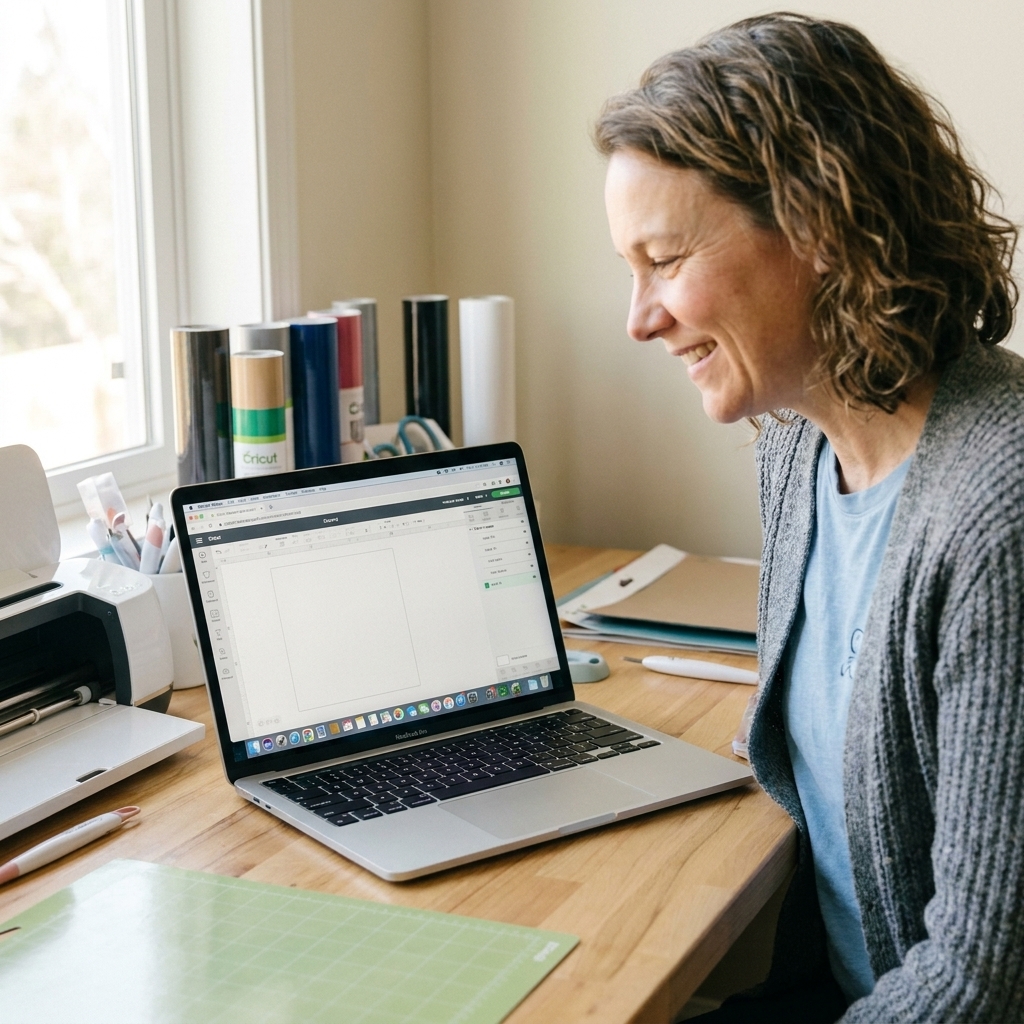
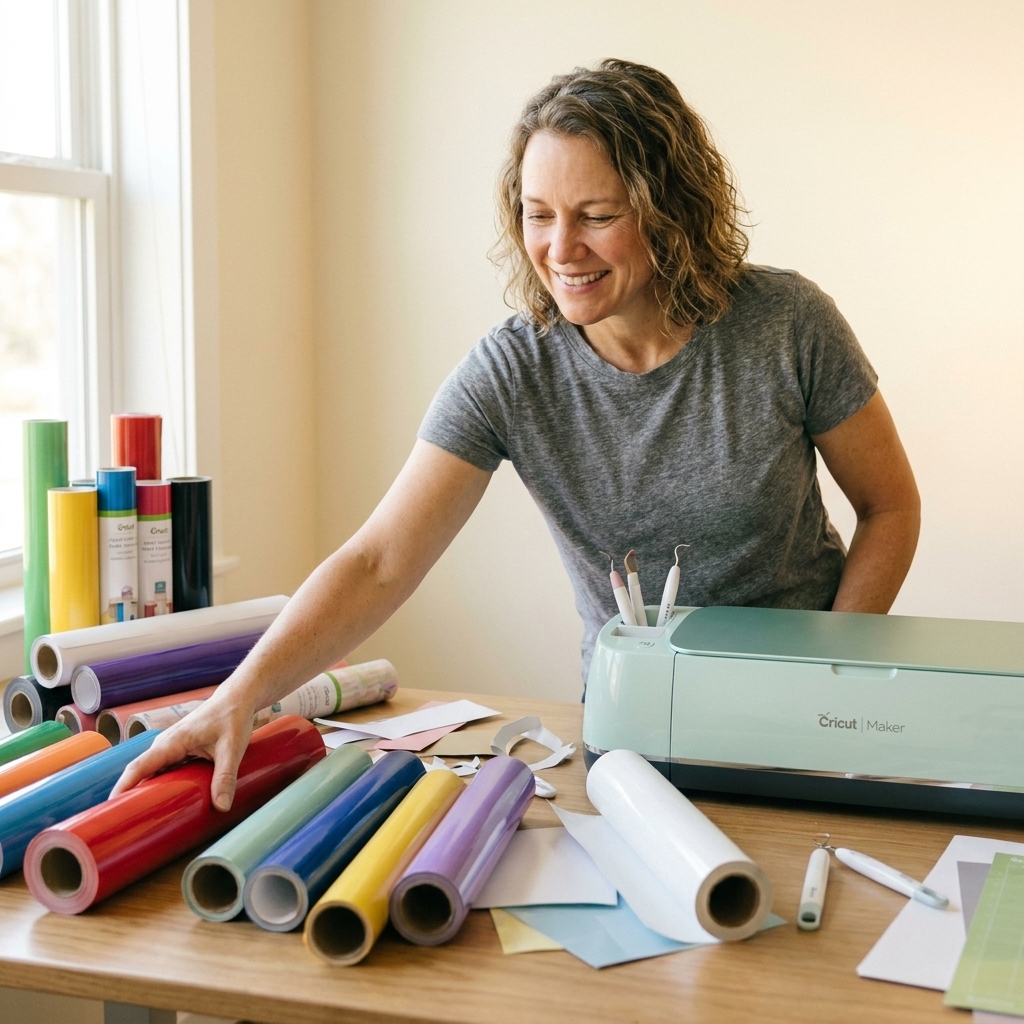
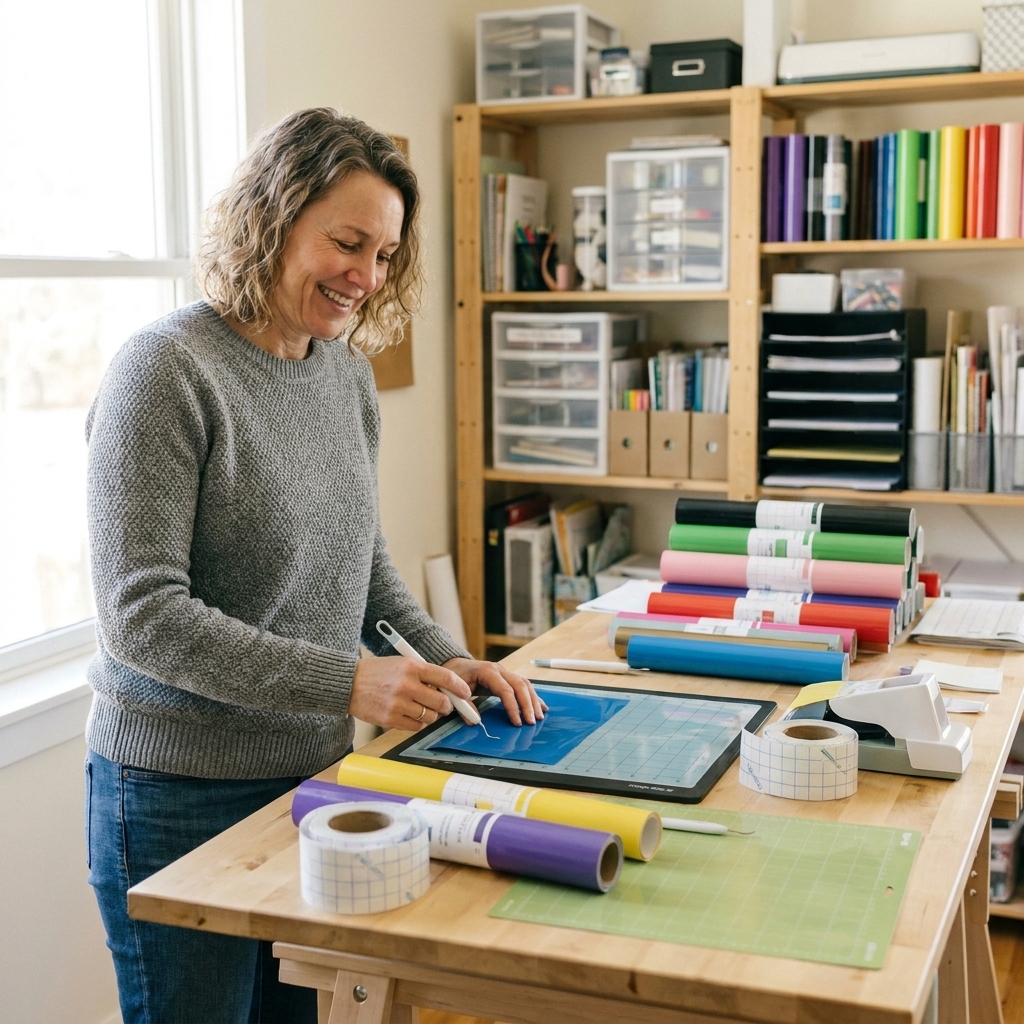
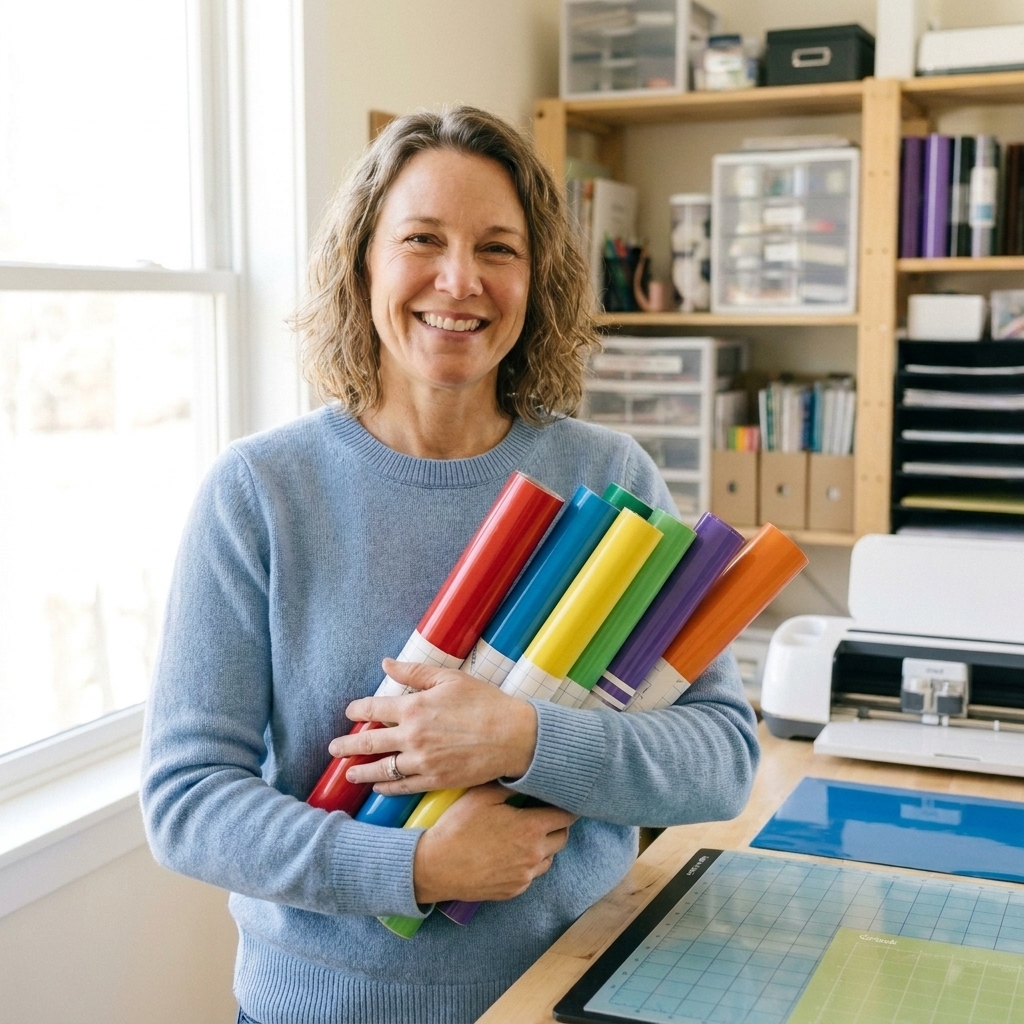
These days I’m based in the Midwest, and my craft room is a bright, slightly chaotic sanctuary. Think transfer tape everywhere, squeegees in every drawer, and permanent vinyl organized by color because it keeps me sane. It’s not always Pinterest-perfect, but it is very real, and it’s where the tutorials you see on MakerVinyl are born.
What MakerVinyl is
MakerVinyl.com exists to help beginners become confident, capable Cricut and vinyl crafters. I remember how overwhelming it felt at the start, especially when every mistake cost money. My goal is to make the learning curve feel kinder and a whole lot less expensive.
When you’re here, you can expect:
- Step-by-step Cricut Design Space help that assumes you are smart, not experienced.
- Vinyl and HTV material guides that explain what to use, when to use it, and what to avoid.
- Troubleshooting you can actually follow, with the “why” behind the fix.
- Project ideas that feel doable, even if you are crafting at your kitchen table.
I’m big on practical crafting. I love a beautiful final result, but I love repeatable results even more. If a method only works once or requires mystery pressure settings, I’m not interested.
How I teach
In my experience, most Cricut and vinyl problems are not about talent. They are about tiny details that nobody tells you until you waste a full sheet.
So I teach the stuff that saves projects:
- Choosing the right material for the job (permanent vs removable vinyl, everyday iron-on vs specialty HTV, sticker paper realities). If you’re not in the Cricut world, “Iron-On” is Cricut’s name for HTV.
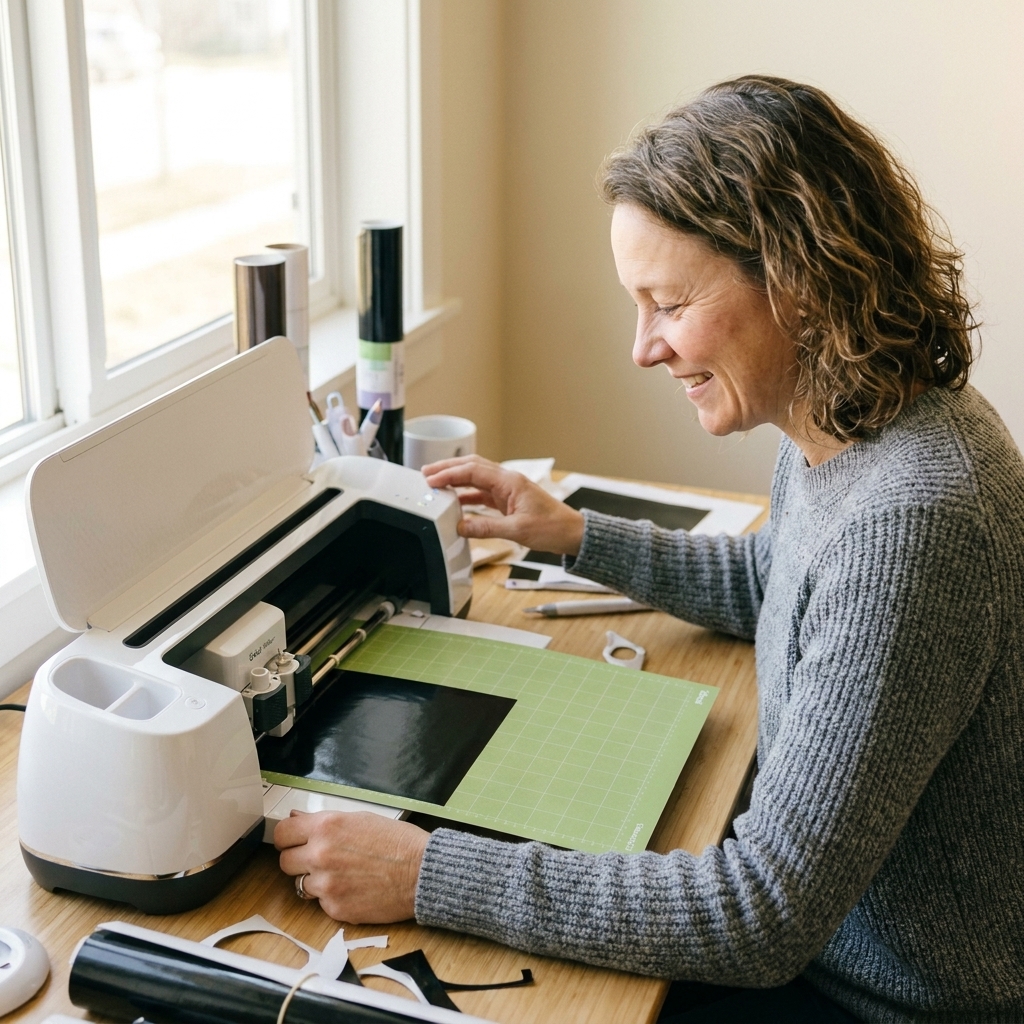
- Dialing in clean cuts (blade condition, pressure, mat grip, and when to stop blaming your machine).
- Application techniques that reduce drama (burnishing, hinge method, transfer tape choices, and curved surface tricks).
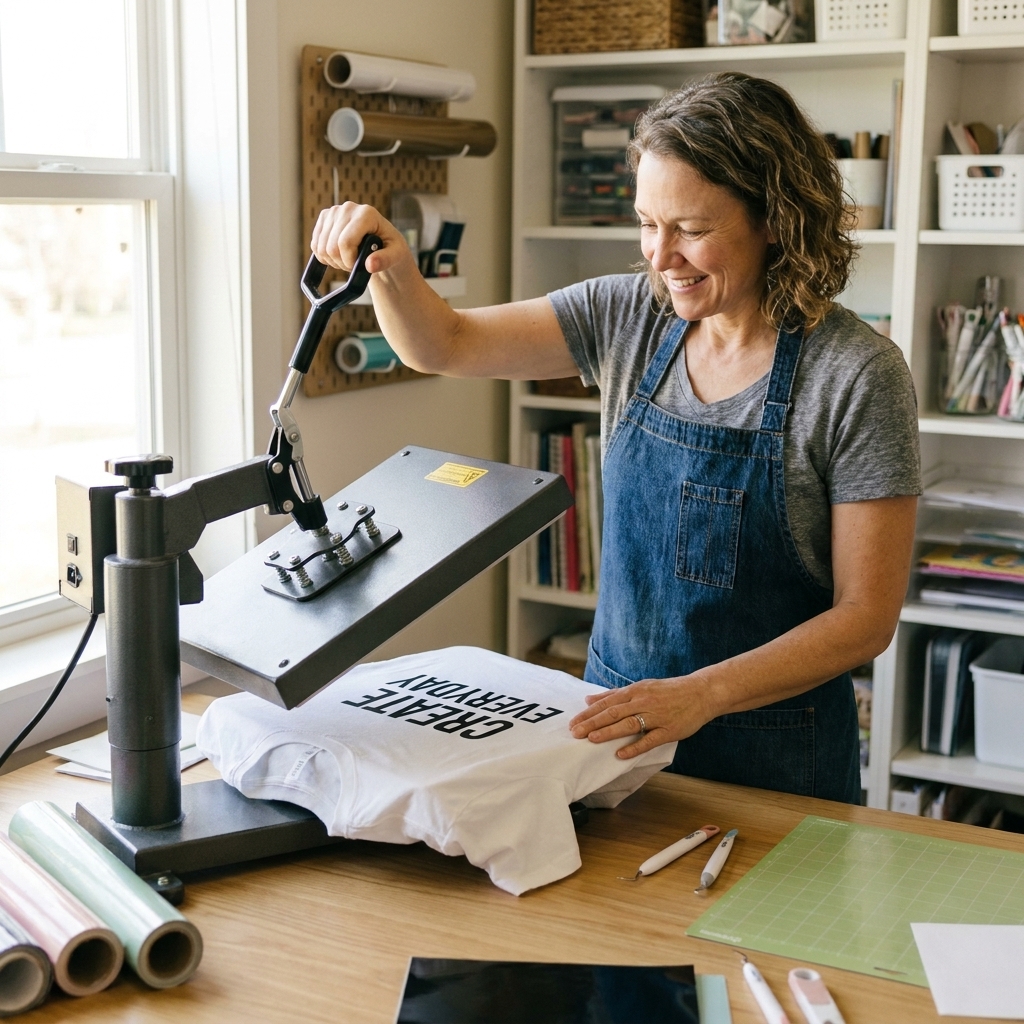
- Heat press and iron basics (time, temperature, pressure, and why “warm peel” is not the same as “immediately rip it off”). Always follow the peel instructions for your specific HTV, because warm, cold, and cool peels vary by brand and finish.
I test brands and settings the unglamorous way: repeats, notes, and more repeats. I’ve been making (and breaking) projects for years, and my goal is always the same: get you to a result you can repeat on a random Tuesday, not just once in perfect conditions.
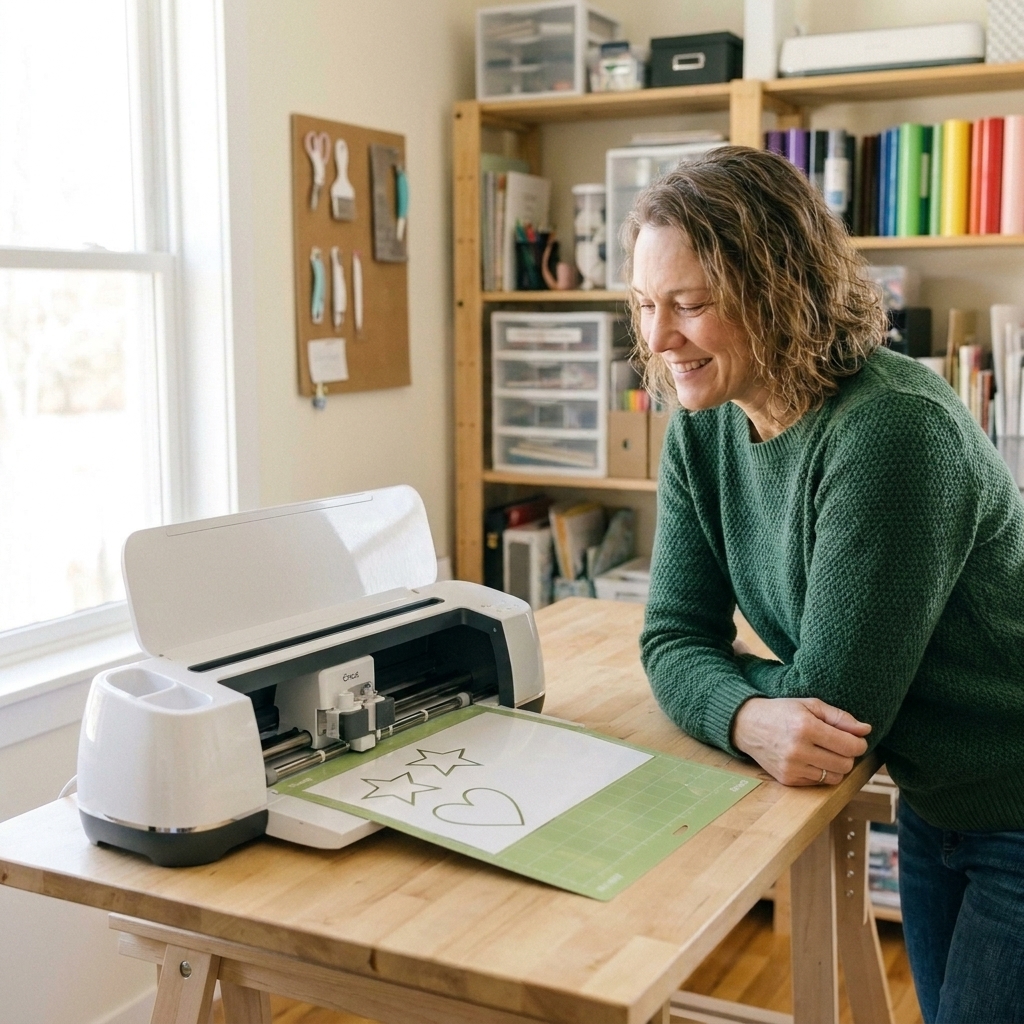
In my own space I work with a Cricut Maker and Cricut Joy, plus a standard clamshell-style heat press and a regular household iron when a tutorial needs to be beginner-realistic.
What we make
MakerVinyl is for the everyday crafter who wants results they can be proud of. We’ll make projects that are fun, giftable, and wearable, like:
- Decals for water bottles, laptops, and car windows
- Labels for pantry jars, bins, and organizing projects
- Heat transfer vinyl shirts, sweatshirts, and totes
- Stickers that do not peel up the minute you look at them
- Seasonal home decor that looks custom, because it is
Along the way, I’ll help you build the skills that make every project easier, like measuring, layering, weeding, and getting your Design Space file set up correctly the first time.
Honesty and transparency
MakerVinyl is reader-supported. Some posts may include affiliate links, which means I may earn a small commission at no extra cost to you. If something is sponsored, I label it clearly.
Most importantly: I only recommend what I would use in my own craft room. If a product is fussy, inconsistent, or just not worth your money, I will say so (politely, but firmly).
Start here
If you’re new, welcome. If you’re coming back after a project went sideways, double welcome. This is a judgment-free corner of the internet where we troubleshoot together, celebrate the tiny wins, and learn the shortcuts that only come from doing this the hard way first.
Want a super simple next step? Start with Design Space Basics and Vinyl 101, then come back when you’re ready for your first decal or iron-on project.
If you like having a checklist, you can also grab my Beginner Supply List and Cut Settings Cheat Sheet so you can stop guessing and start making.
So grab your mat. We’ll check your settings and make something you actually want to keep.
Thanks for being here,
Harper