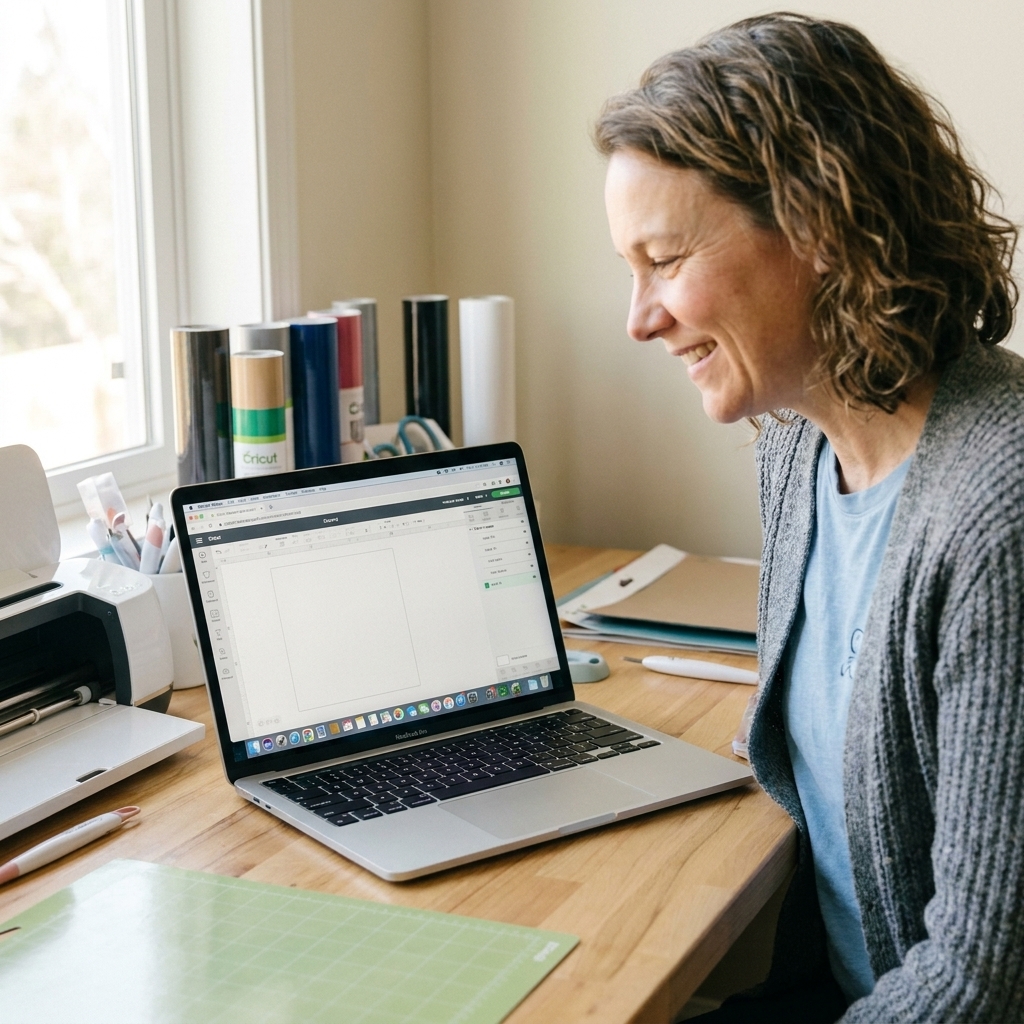
Mirror, mats, materials, and more: the beginner Cricut slip-ups I see constantly, with simple fixes that save vinyl, time, and sanity.
Maker Vinyl
Updated October 17, 2026
Cricut Maker 3 vs. Explore 3 vs. Joy: Best First Machine
Choosing your first Cricut? Compare Cricut Maker 3, Explore 3, and Joy for beginner projects like vinyl decals, iron-on shirts, cards, and labels, plus key specs, cut size limits, ongoing costs, and what to buy first.

Harper Davis
Harper Davis is a lifelong DIY enthusiast and cutting-machine expert who loves helping beginners conquer Cricut Design Space. With over six years of experience running a custom vinyl shop, she shares practical tutorials, material guides, and creative inspiration.
If you are brand new to Cricut, the “right” machine is usually the one that matches what you actually want to make in the next 30 days. Not the one that sounds the fanciest, and not the one your crafting friend swears by for her very specific niche. I started with a secondhand machine and a baby shower deadline, so trust me when I say: picking the right first Cricut can save you a lot of wasted vinyl and a whole lot of side-eye from your cutting mat.
In this guide, I am comparing three popular beginner-friendly options: Cricut Maker 3, Cricut Explore 3, and Cricut Joy. (Depending on when you are shopping, you may also see newer generations like Explore 4 and Maker 4, or the slightly larger Joy Xtra. The decision points below still apply.) I will walk you through what each machine does best, what costs to expect to keep crafting, and which one is the smoothest on-ramp if you are learning Design Space for the first time.
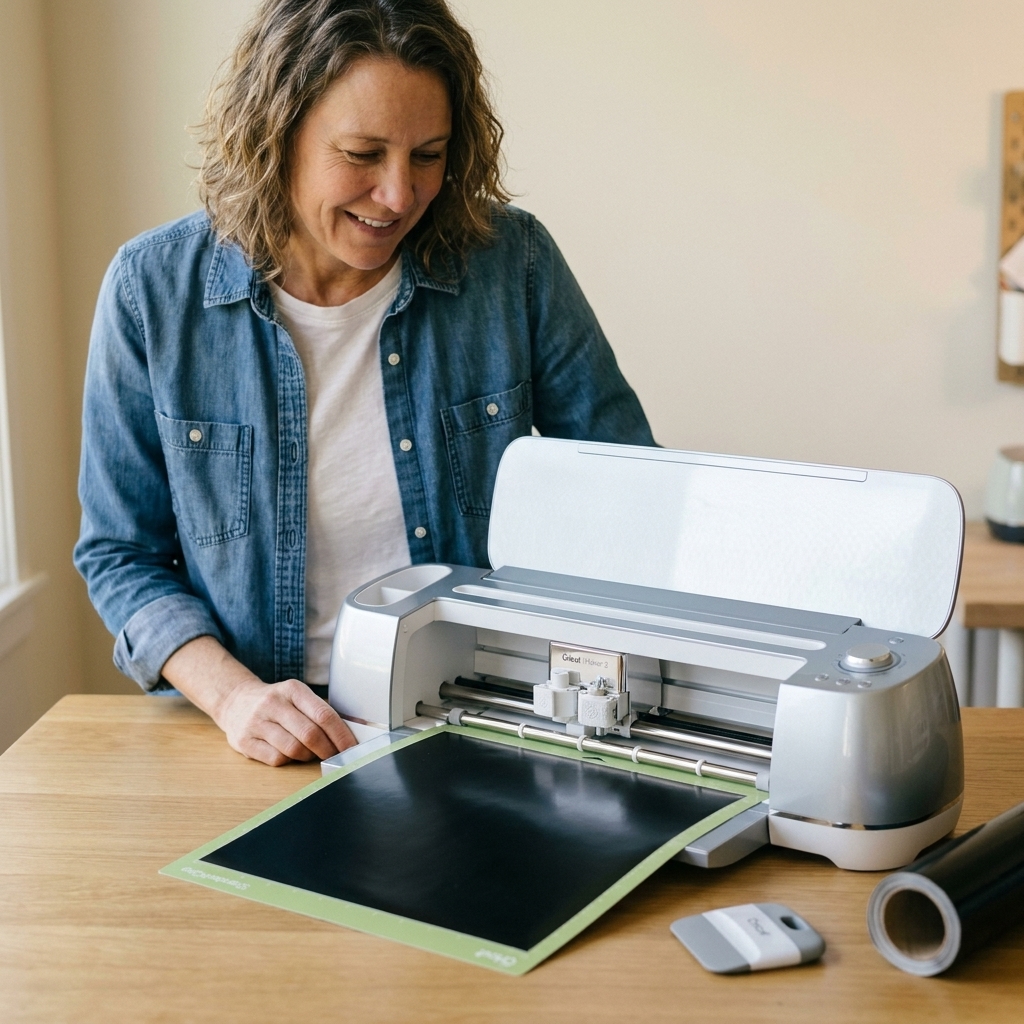
Quick pick
- Pick Cricut Joy if you want the smallest, simplest machine for labels, cards, small decals, and quick personalization.
- Pick Cricut Explore 3 if you want a solid all-around vinyl and iron-on machine for shirts, tote bags, decals, and basic paper crafts.
- Pick Cricut Maker 3 if you want the most room to grow, especially for thicker materials, fabric, thin basswood, engraving, debossing, and the kind of crafting curiosity that escalates fast.
My most honest beginner advice: Explore 3 is the sweet spot for most new vinyl crafters. Maker 3 is amazing, but many beginners do not need the Maker-only tools and materials on day one.
At a glance
If you like specs (or you are shopping sales tabs side by side), this is the fast comparison that keeps you from buying the wrong size.
| Machine | Max cut width (approx.) | Max cut length (approx.) | Matless cutting | Print Then Cut | Standout tools |
|---|---|---|---|---|---|
| Cricut Joy | 5.5 in | Up to 4 ft (Smart Materials) | Yes, with compatible Smart Vinyl and Smart Iron-On | No (not for true print-then-cut stickers) | Simple blade and pen setup |
| Cricut Explore 3 | 11.5 in (on mat) | Up to 12 ft (Smart Materials) | Yes, with compatible Smart Materials | Yes | Great everyday cutting and writing |
| Cricut Maker 3 | 11.5 in (on mat) | Up to 12 ft (Smart Materials) | Yes, with compatible Smart Materials | Yes | Rotary Blade, Knife Blade, QuickSwap tips (sold separately) |
Reality check on cut length: Cricut commonly lists these “up to” Smart Materials lengths. Real-world results depend on the material, how straight it feeds, and your setup. If you are planning long, matless runs, I recommend treating the max length as a best-case ceiling, not a promise.
What they share
None of these machines are “bad.” They share a lot of beginner-friendly basics:
- They all use Cricut Design Space (same learning curve, same interface).
- They all cut popular beginner materials like adhesive vinyl and iron-on (HTV).
- They can all write and draw with Cricut pens and markers.
- They all offer matless cutting when you use compatible Smart Materials for that machine.
The real differences come down to size, cutting power, and tool compatibility.
Setup and connection
Yes, you can cut from a phone, tablet, or computer. These machines work with Cricut Design Space on iOS, Android, Windows, and Mac (check Cricut’s current system requirements if you are using an older device). Most beginners connect over Bluetooth. Explore 3 and Maker 3 also commonly support USB connection if you prefer a wired setup.
Meet the machines
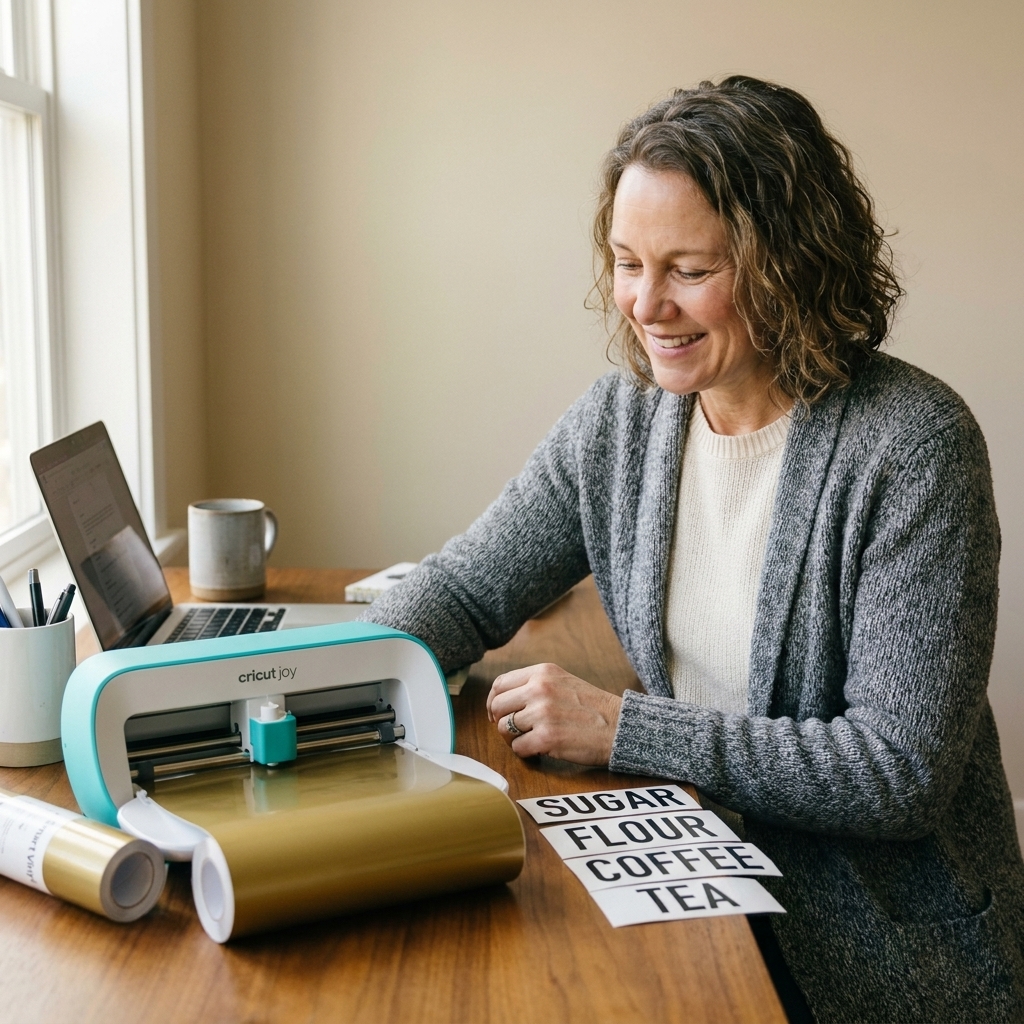
Cricut Joy
Cricut Joy is the compact machine you can keep on a shelf, pull out, and be crafting in minutes. It is designed for smaller projects and simple setups.
- Best for: labels, small decals, quick cards, gift tags, simple iron-on names and small designs
- Big win for beginners: less intimidating, fast setup, easy to store
- Main limitation: smaller cutting width and fewer advanced tools
Cricut Explore 3
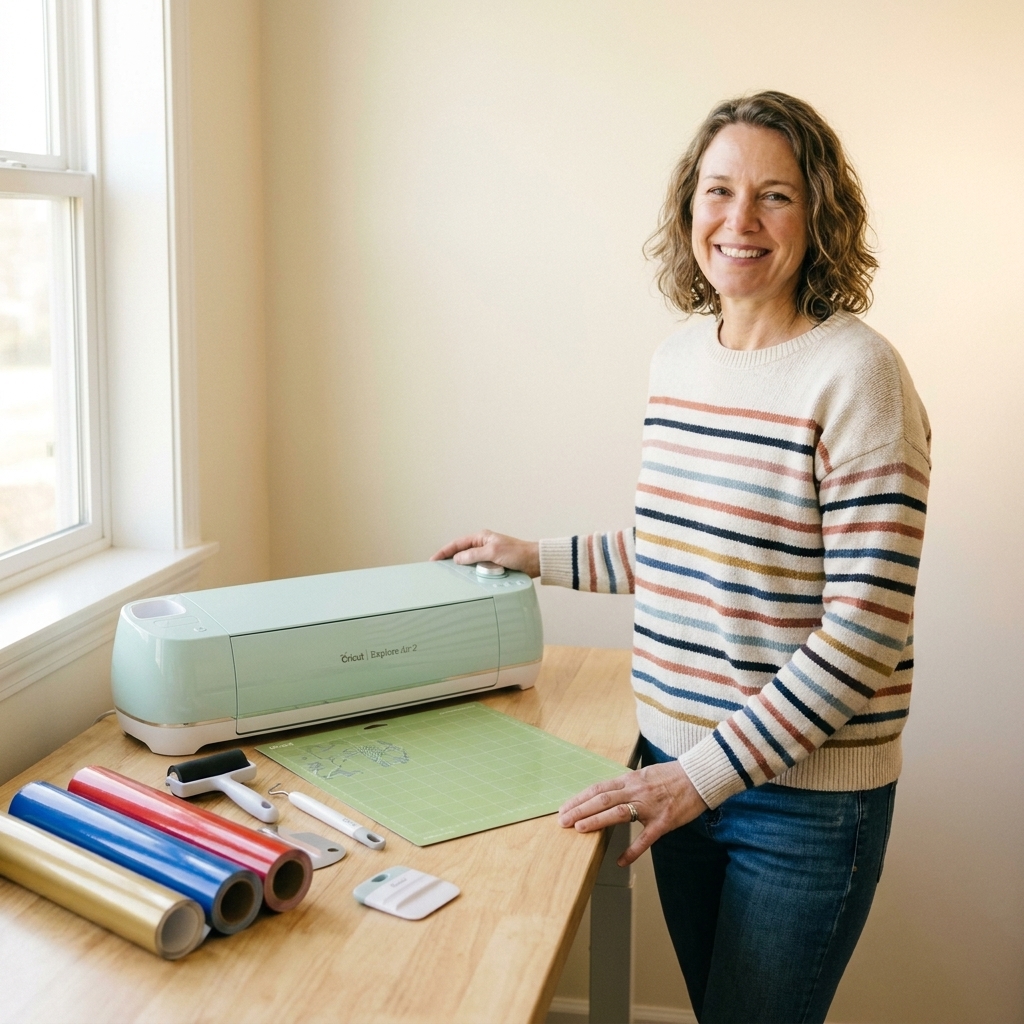
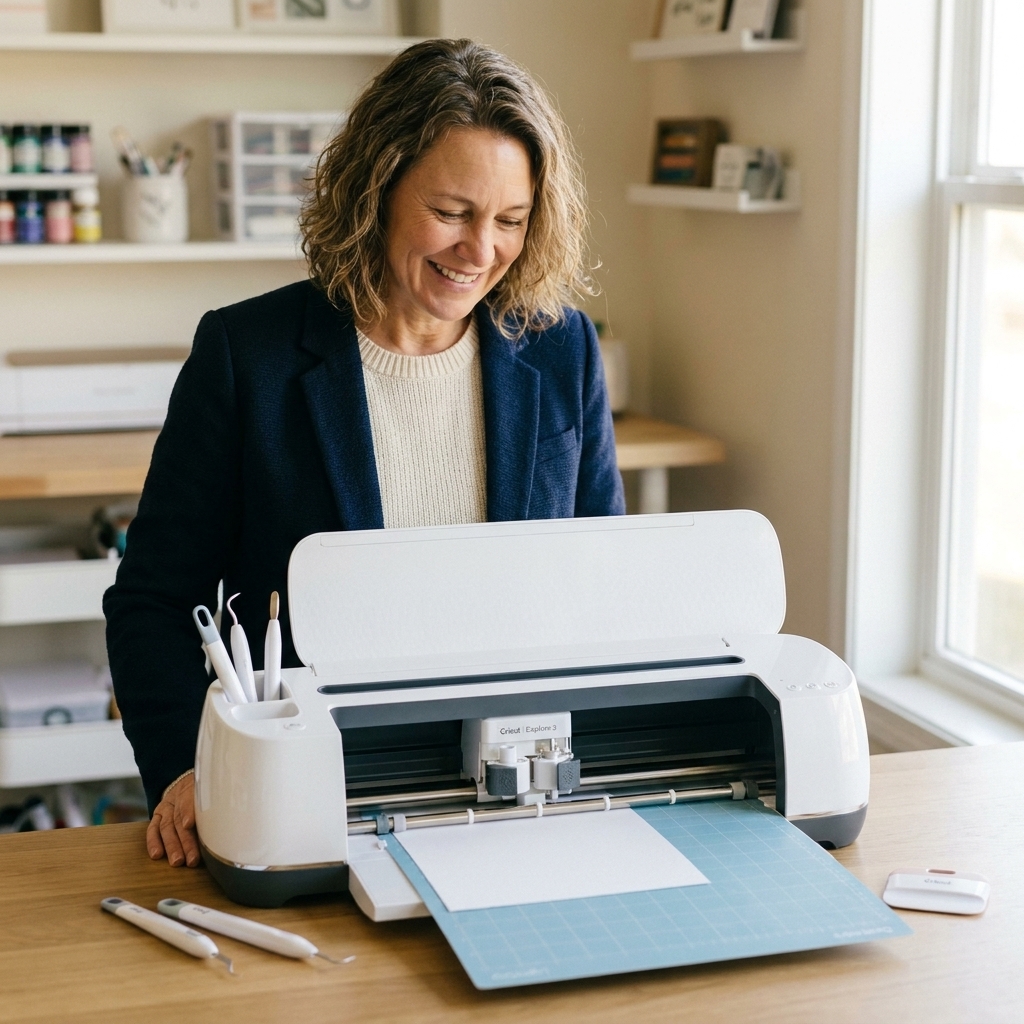
Explore 3 is the machine I point most beginners toward when they say, “I want to make shirts, decals, and maybe some cards.” It handles the most common crafts beautifully without jumping into the heavier-duty Maker tool ecosystem.
- Best for: vinyl decals, iron-on shirts, paper crafts, stickers (with printable sticker paper using Print Then Cut), basic personalization
- Big win for beginners: strong results on the most-used materials, lots of tutorials and community support
- Main limitation: fewer specialty tools and less capability for thick or rigid materials
Cricut Maker 3
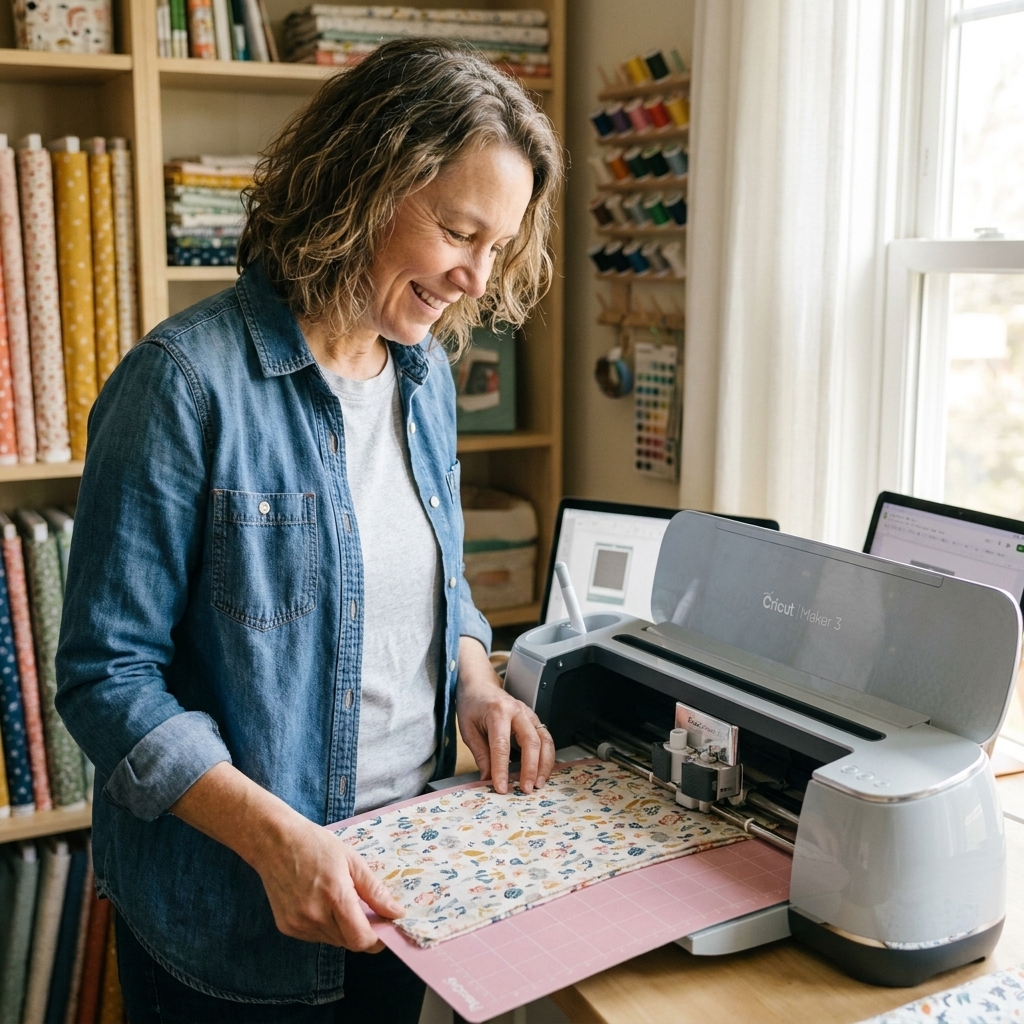
Maker 3 is Cricut’s most versatile cutting machine in this group. If you like the idea of moving beyond vinyl and iron-on into materials like fabric, leather, and thin wood, Maker 3 is built for that.
- Best for: everything Explore does plus thicker and more varied materials, fabric cutting (especially with the Rotary Blade), and select thin woods like basswood (with the Knife Blade)
- Big win for beginners: you can start simple and grow into it without upgrading later
- Main limitation: higher price, and it is easy to overbuy features you never end up using
Important detail: advanced effects like engraving and debossing require additional tools and compatible blanks. They are not included in the box by default.
Beginner comparison
1) What can they cut?
If you are here for vinyl crafts, all three can handle the basics. The question is whether you plan to branch out into thicker or specialty materials.
- Joy: great for vinyl, iron-on, and paper, especially smaller projects.
- Explore 3: excellent for vinyl, iron-on, cardstock, and a wide range of common craft materials.
- Maker 3: widest material capability overall, including fabric and thicker materials using Maker-only tools.
If your “someday projects” include engraved acrylic name plates, debossed leather keychains, or cutting fabric pieces regularly, you are already describing Maker territory.
2) Project size
Size is a sneaky dealbreaker. If you want larger decals, long quotes for walls, or big shirt designs, cutting width matters.
- Joy: max cut width is about 5.5 inches, which is perfect for labels and smaller designs.
- Explore 3 and Maker 3: max cut width is about 11.5 inches on a mat, which is much more comfortable for adult shirts and standard home decor projects.
My rule of thumb: if you want to regularly decorate adult shirts, tote bags, and signs, Explore 3 or Maker 3 will feel easier fast.
3) Tools and blades
This is where the machines stop feeling interchangeable. If you want more than “cut and weed,” tool compatibility matters.
- Joy: uses its own compact blade housing and pen system. It is intentionally simple.
- Explore 3: built around the Fine-Point Blade for everyday vinyl and cardstock work, plus the Deep-Point Blade for some thicker materials. It does not support Maker-only tools like the Rotary Blade, Knife Blade, or QuickSwap tips.
- Maker 3: supports Rotary Blade (amazing for fabric), Knife Blade (for thicker materials, including select thin woods like basswood), and QuickSwap tips for effects like debossing and engraving.
One more beginner-friendly heads-up: the fancy tools are usually separate purchases. Budget accordingly if those projects are why you want the Maker.
4) Smart Materials and matless cutting
All three can do matless cutting with compatible Smart Materials. Explore 3 and Maker 3 are the most flexible here because they can handle long matless runs (great for long decals or lots of labels). Joy can also cut matless with Smart Vinyl and Smart Iron-On, just at Joy-size widths.
Beginner truth: you do not have to use Smart Materials to get great results. I still use mats constantly because they are flexible, forgiving, and work with more brands.
5) Costs to expect
The machine is the big purchase, but supplies are the “surprise total.” If you want a realistic first-month budget, plan for more than vinyl.
- Mats wear out: you will replace them eventually, especially if you cut paper and glitter cardstock often.
- Blades wear out: expect to replace blades over time, particularly if you cut thicker materials or do lots of projects.
- Smart Materials can cost more: they are convenient, but not always the cheapest per foot compared to third-party vinyl on a mat.
- HTV needs heat: for iron-on, you will need a heat source you can trust. A Cricut EasyPress or a heat press is the smoothest path. A household iron can work for small projects, but it is less consistent with temperature and pressure.
- Cricut Access is optional: it is a subscription, and it can be convenient for fonts and ready-to-make designs, but plenty of beginners do great with free projects, purchased SVGs, and their own uploads.
If you want one concrete takeaway: your ongoing costs are mostly consumables (vinyl, transfer tape, HTV) plus replacement parts (mats and blades). The fancier your materials, the faster those costs can climb.
Best for projects
Stickers
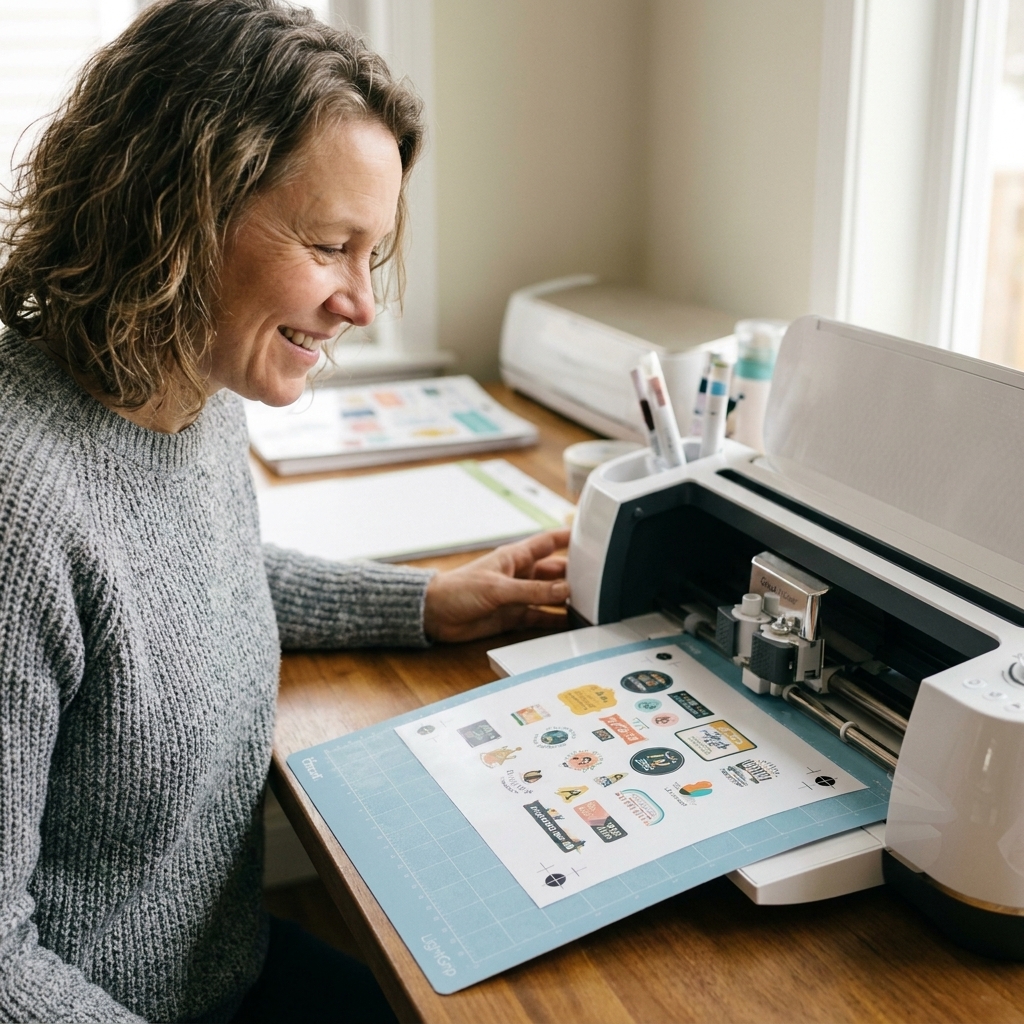
If you want true stickers, you are probably thinking about Print Then Cut with printable sticker paper. Explore 3 and Maker 3 are common picks for sticker makers because they fit nicely into a print-then-cut workflow and handle larger sticker sheets comfortably.
Joy note: the original Joy is not built for true Print Then Cut sticker sheets. It can still do sticker-like cuts from solid-color vinyl (think labels and decals), but if you want printed sticker sheets, Explore or Maker is the better match.
T-shirts and iron-on
Explore 3 is fantastic for HTV shirts and tote bags. Maker 3 is equally great, it just offers more expansion later. Joy can do iron-on too, but think smaller chest designs, sleeves, and simple personalization.
Vinyl decals
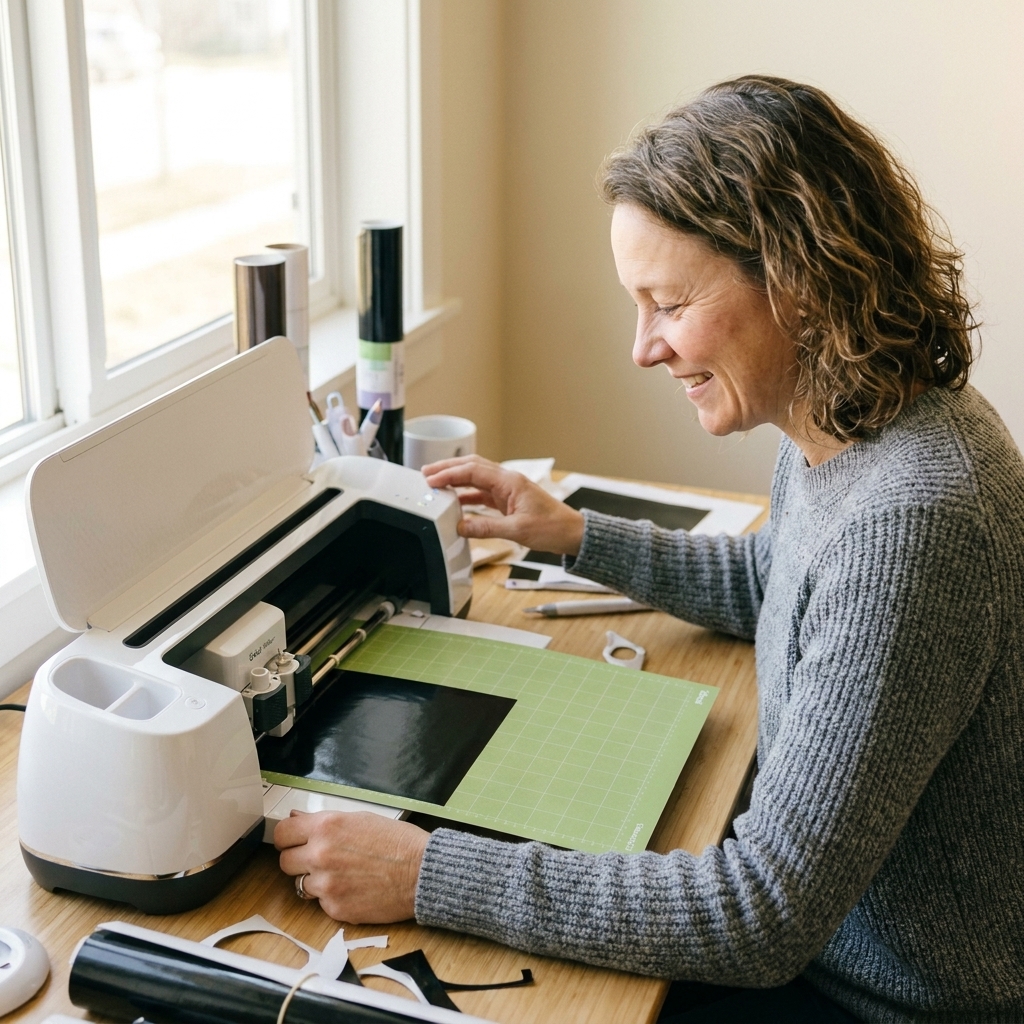
All three can cut adhesive vinyl. If you want larger car decals, longer quotes, or bigger sign elements, Explore 3 or Maker 3 will feel easier. Joy shines for small business labeling, pantry labels, and quick monograms.
Cards and paper crafts
Joy is fast for simple cards and small paper projects. Explore 3 and Maker 3 are better if you want larger, more detailed paper crafts or plan to do a lot of writing plus layered cuts.
Fabric and thin wood
If fabric is a main goal, Maker 3 (plus the Rotary Blade) is the clear winner. For thin woods like basswood, Maker 3 can do it with the Knife Blade, but expect multiple passes, careful material selection, and strong mat prep. It is more “patient, picky crafting” than “press a button and magic happens.”
What is easiest?
Design Space is the learning curve, not the machine. Joy feels less intimidating because it is physically smaller and the projects tend to be simpler. Explore 3 is very beginner-friendly and has a huge ecosystem of tutorials and troubleshooting. Maker 3 is also easy to operate, but beginners sometimes feel pressure to “use all the features” immediately, which can make it feel more complex than it needs to be.
My favorite beginner approach: start with adhesive vinyl decals (simple shapes and names), then move to one-color HTV shirts, then try layering and bigger projects once you trust your cut settings.
My picks
Choose Cricut Joy
- You craft in a small space or want easy storage
- You mostly want labels, small decals, cards, and quick gifts
- You want the lowest-commitment way to learn Design Space
Choose Cricut Explore 3
- You want to make shirts, decals, and home organization labels
- You want the best value if you are mostly doing vinyl, HTV, and paper
- You do not need heavy-duty materials or specialty tools right away
Choose Cricut Maker 3
- You want to cut a wider variety of materials (especially fabric)
- You are interested in specialty techniques like engraving or debossing (with extra tools)
- You would rather buy once than upgrade later
Beginner shopping list
If you want a smooth first week with your new machine, grab these right away:
- Vinyl basics: permanent vinyl in 2 to 3 colors, transfer tape, scraper
- Iron-on basics: HTV in 1 to 2 colors, weeding tool, heat-resistant tape (optional but helpful)
- Mats (if needed): a StandardGrip mat for vinyl and HTV, plus a LightGrip mat for cardstock
- Heat tool: EasyPress, heat press, or a household iron you know how to use well (with realistic expectations)
- Blanks: cheap cotton tees, glass can cups, dollar store picture frames
And please do yourself a favor: pick one beginner project and run it all the way through before you start buying every tool you see. Your crafting style will tell you what you need next.
FAQ
Is Cricut Maker 3 worth it for beginners?
It is worth it if you already know you want Maker-only capabilities and you have projects in mind beyond basic vinyl and iron-on. If your goals are shirts, decals, and paper crafts, Explore 3 usually delivers the same beginner happiness for less money.
Will I outgrow Cricut Joy?
Some people never do because they love small projects and quick personalization. You are more likely to outgrow Joy if you start wanting larger decals, full-size shirt designs, or full Print Then Cut sticker sheets.
Can I use non-Cricut vinyl with these machines?
Yes. Most vinyl crafters use a mix of brands. The key is dialing in cut settings and keeping your blade and mat in good shape. Start with small test cuts when you try a new vinyl, especially if it is thicker or has a different adhesive.
Do I need Cricut Access?
Not necessarily. Cricut Access can be convenient for ready-to-make projects, fonts, and images, but many beginners do great using free designs, their own uploads, and a few purchased SVGs. If you are unsure, craft for a week or two first and see if you feel limited.
Bottom line
If you want the simplest entry point for small crafts, go Joy. If you want the best all-around machine for vinyl and iron-on without overspending, go Explore 3. If you want maximum creative range and you are excited about specialty tools and materials, go Maker 3.
And whichever one you choose, remember this: the first few projects are practice, not proof. You are going to get better fast, and you are not alone in the “why did my vinyl do that?” phase.