Find free SVGs you can legally use on products you sell. Here are 10 trusted sources for Cricut and vinyl projects, with licensing tips, restrictions to watc...
Maker Vinyl
Updated October 17, 2026
25 Free Christmas SVG Files for Holiday Vinyl Projects
Grab 25 free Christmas SVG file ideas for Cricut and vinyl crafting, plus beginner-friendly project ideas, transfer tape tips, and Design Space troubleshooting.

Harper Davis
Harper Davis is a lifelong DIY enthusiast and cutting-machine expert who loves helping beginners conquer Cricut Design Space. With over six years of experience running a custom vinyl shop, she shares practical tutorials, material guides, and creative inspiration.
If your craft room looks like mine in November, it is equal parts “magical holiday workshop” and “why is there glitter in my transfer tape drawer.” The good news is you do not need a paid file bundle to make adorable gifts and decor. Below are 25 free Christmas SVG file ideas you can hunt down from your favorite free-SVG designers, plus exactly what to make with them and which vinyl works best.
Quick note from someone who has weeded way too many tiny stars: for super detailed designs, choose simpler SVGs for small projects like gift tags, and save the intricate ones for bigger surfaces like signs and sweatshirts.
And hi, I’m Harper. When you see a “Harper tip,” it is the shortcut I wish someone had told me before I wasted good vinyl.
Before you download: my 2-minute SVG sanity check
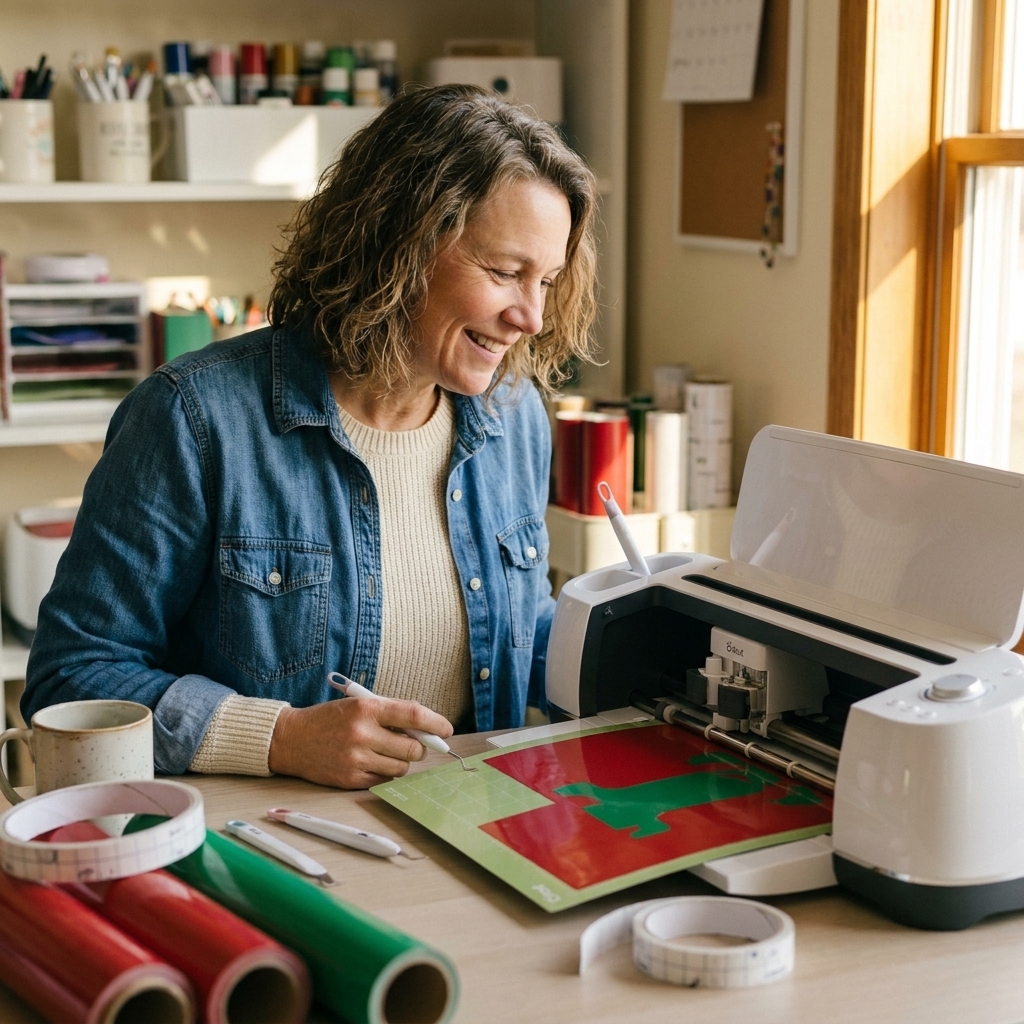
Free SVGs are amazing, but they can be a little wild. Here is how I avoid the classic “why is my Cricut cutting every letter separately” meltdown.
- Look for an SVG (not just PNG): SVG stays crisp and cuts cleanly in Design Space.
- Upload and immediately zoom in: if you see jagged edges, random dots, or extra cut lines, pick a different file or simplify it.
- Check layers: one-color designs often import as a single layer, but sometimes they come in as multiple paths. That is fine as long as they are all the same color and set to Basic Cut. If pieces keep shifting, Group them on the canvas, or Attach them if the layout must stay put on the mat.
- Weld script words (only when needed): if cursive letters overlap and you want one continuous piece, use Weld (or Combine: Union) so it cuts as one shape. If letters do not overlap and you just want spacing preserved, Attach is usually the safer move.
- Attach for layouts: if your design has pieces that must keep position (like a tag plus a hole, or a multi-line label), select and hit Attach before you make it.

Where to find free Christmas SVGs
If you are newer to SVG hunting, start with designers and marketplaces that clearly label licenses. A few reliable places to browse include Design Bundles (Free Design Resources), Creative Fabrica (freebies), Craft House SVG, SVGCuts (free files), and many independent SVG shops that offer a freebie library.
Two quick checks before you cut: confirm whether it is personal use or commercial use, and avoid selling items with phrases or character art that could be trademarked or copyrighted.
25 free Christmas SVG ideas
Instead of sending you on a scavenger hunt with just file names, I am pairing each SVG concept with a project that actually looks great in vinyl. If you are building your own stash, this list covers the classics: ornaments, signs, gift tags, labels, and a few quick-win gifts.
1) Merry Christmas (classic script)
Make: a front-door welcome sign with permanent vinyl on sealed, painted wood, or HTV on a doormat blank that is labeled heat-transfer safe (follow the blank maker’s directions for best durability).
Harper tip: choose a thicker script for outdoor signs so it weeds without tears.
2) Joy to the World (hand-lettered)
Make: a framed printable-style vinyl sign on glass (dollar-store frame hack).
3) Let It Snow (chunky letters)
Make: window decals using removable vinyl so cleanup is painless in January.
4) Oh Deer (punny phrase)
Make: a tea towel with HTV.
Best vinyl: everyday iron-on for cotton flour sack towels.
5) Santa Baby (retro vibe)
Make: a glitter HTV sweatshirt.
Harper tip: mirror your design and use a lint roller before pressing. Sweatshirt fuzz is sneaky.
6) Jingle All the Way
Make: a 20 oz tumbler with permanent vinyl.
Best combo: permanent vinyl plus a good burnish, then let it sit at least 24 hours (up to 72 is even better) before washing.
7) Believe (big single word)
Make: an ornament (flat acrylic or wood) using permanent vinyl.
Weeding win: cut it larger than you think. Tiny “i” dots love to vanish.
8) Ho Ho Ho (stacked text)
Make: gift tags from cardstock, drawn or foiled, or cut from vinyl and applied to tags.
9) North Pole Express (badge or stamp style)
Make: a faux “shipping crate” sign for your porch or entryway.
10) Santa’s Workshop
Make: matching “Elf Crew” shirts for a family photo.
Harper tip: use a big simple file for kids shirts. Small details crack faster with toddler laundry life.
11) Dear Santa, I Can Explain
Make: a holiday onesie or baby bib (yes, this is where my crafting obsession started).
12) Nice List / Naughty List (two designs)
Make: a reversible sign or two tea towels.
Material note: flocked HTV looks so cozy for this.
13) Most Wonderful Time of the Year
Make: a large living-room sign, layered vinyl on sealed, painted wood.
Layering tip: if you are layering permanent vinyl, build from the bottom layer up, using parchment paper to prevent accidental sticking while you align pieces.
14) O Holy Night
Make: a glass candle holder with permanent vinyl and a battery candle inside.
Safety note: keep vinyl well away from heat and never use vinyl on holders meant for open flames.
15) Silent Night
Make: a simple bedroom sign or a linen-look pillow cover with HTV.
16) Fa La La (with musical notes)
Make: a mini sign, or a mug decal.
Harper tip: for mugs, keep vinyl away from the rim and hand wash if you want it to last.
17) Christmas Tree (simple silhouette)
Make: layered ornament sets in different colors.
Beginner-friendly: silhouettes are forgiving and fast to weed.
18) Tree Farm (circular badge)
Make: a rustic sign or a sweater.
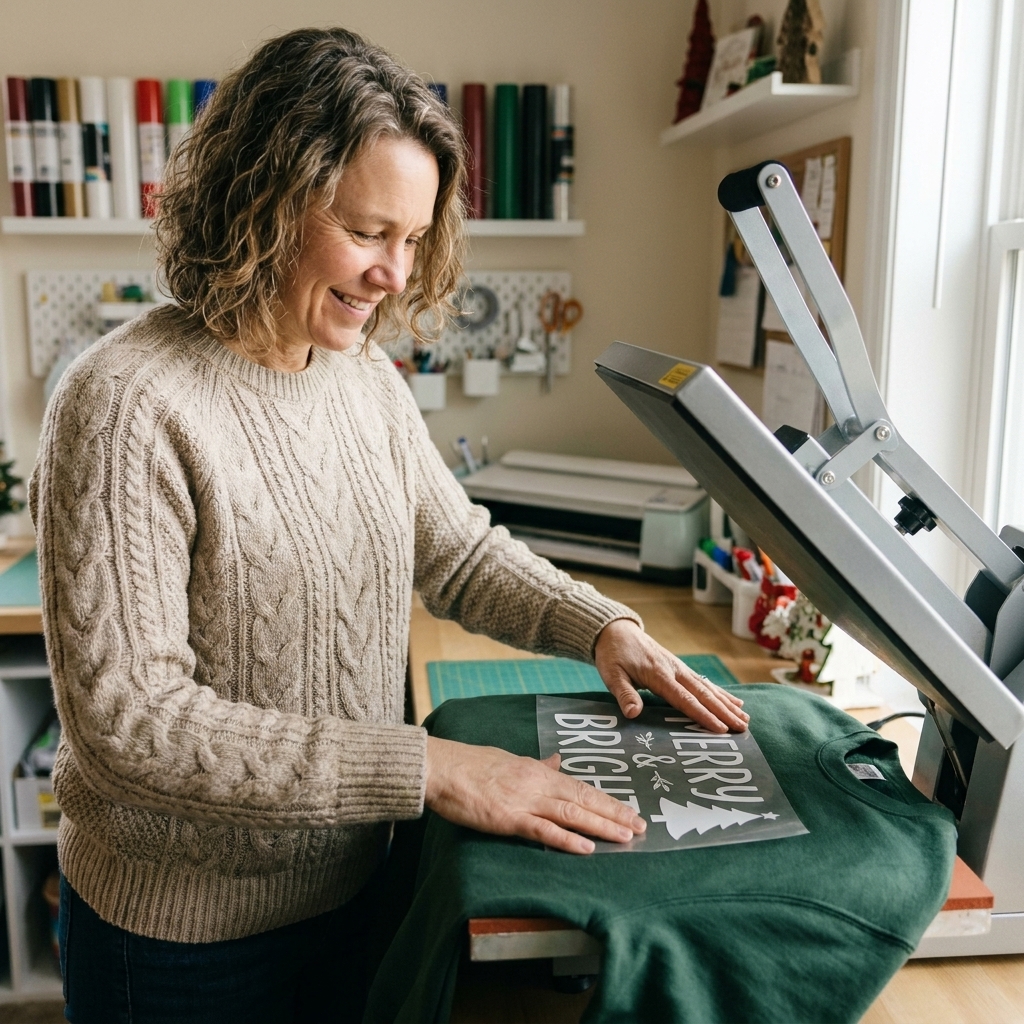
Style idea: use white HTV on a forest green crewneck for instant boutique vibes.
19) Reindeer Face (minimal)
Make: treat bags using HTV on canvas, or vinyl on cellophane bags (test first, since some bags are finicky).
20) Snowflake Set (variety pack)
Make: window snowflakes with removable vinyl.
Cut setting tip: if corners lift or your cuts are going too deep, do a small test cut and try a lighter pressure or a different material setting (many people use Washi as a starting point for thin vinyl, but brand thickness varies).
21) Gingerbread Man
Make: kids aprons or a cookie plate label (hand wash).
22) Hot Cocoa Bar
Make: a sign plus matching jar labels.
Material tip: permanent vinyl for jars, then let it sit overnight before heavy handling.
23) Merry and Bright
Make: an ornament or a gift box decal for reusable boxes.
24) Peace Love Christmas (icons)
Make: a shirt or sweatshirt with multi-color HTV.
Easy layering: tack each color for 2 to 3 seconds, then do the final full press at the end.
25) Monogram Wreath (frame + letter)
Make: personalized ornaments, stocking name tags, or a family sign.
Beginner tip: keep monogram letters bold. Thin serifs can get wobbly when you weed.
Project ideas by surface
Ornaments
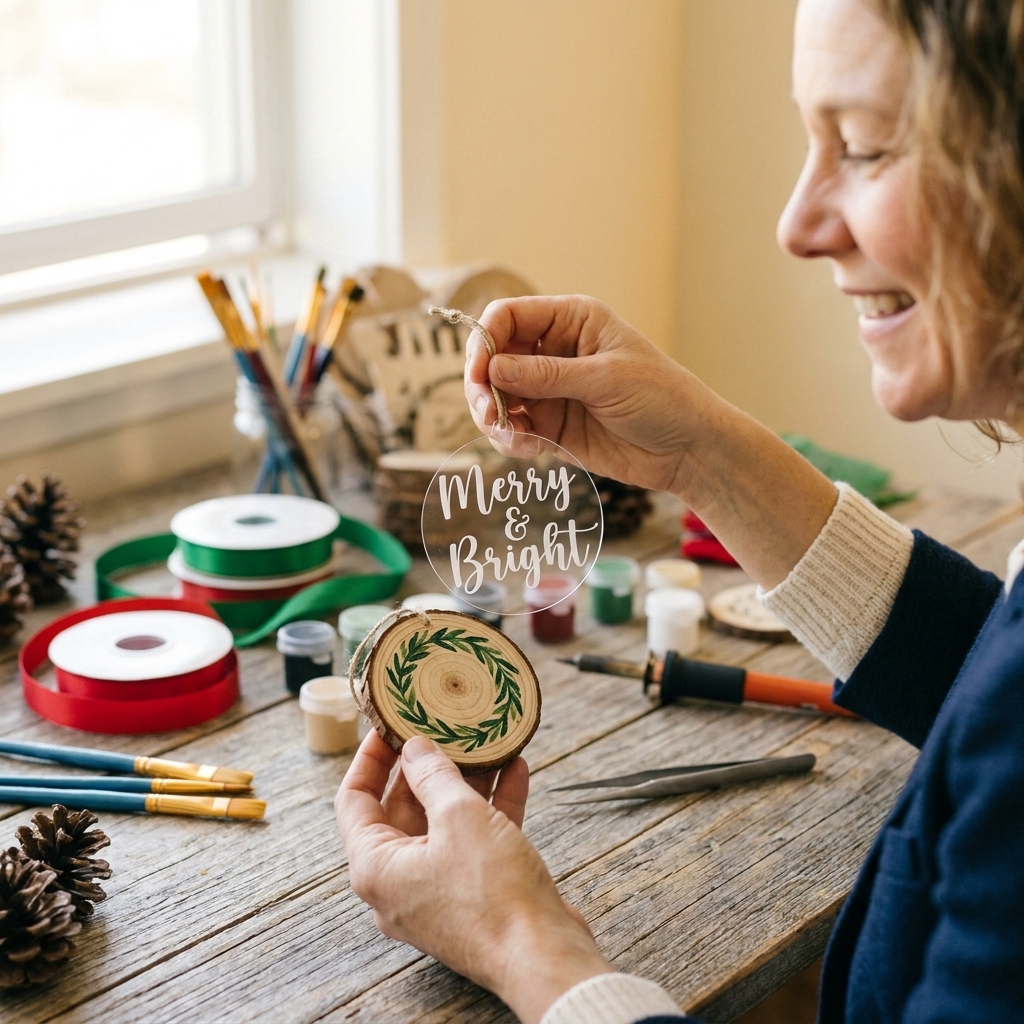
- Best surfaces: acrylic discs, glass ball ornaments, painted wood, ceramic ornaments
- Vinyl: permanent vinyl (or removable if you want to reuse)
- Application tip: clean with isopropyl alcohol first, then burnish hard with a scraper.
Signs
- Best surfaces: stained wood, painted wood, sealed MDF, canvas
- Vinyl: permanent vinyl for smooth sealed surfaces, HTV for canvas banners
- Pro move: if your paint feels even slightly tacky, wait. Vinyl hates curing paint.
Gift tags and labels
- Best surfaces: cardstock tags, kraft tags, sticker paper
- Vinyl: removable vinyl on tags, or cut cardstock instead of vinyl for speed
- Time-saver: use the same SVG, batch cut a full mat, then weed while watching a holiday movie.
Apparel and stockings
- Best blanks: cotton tees, poly blends, canvas stockings
- Vinyl: HTV (everyday iron-on), glitter HTV, flocked HTV
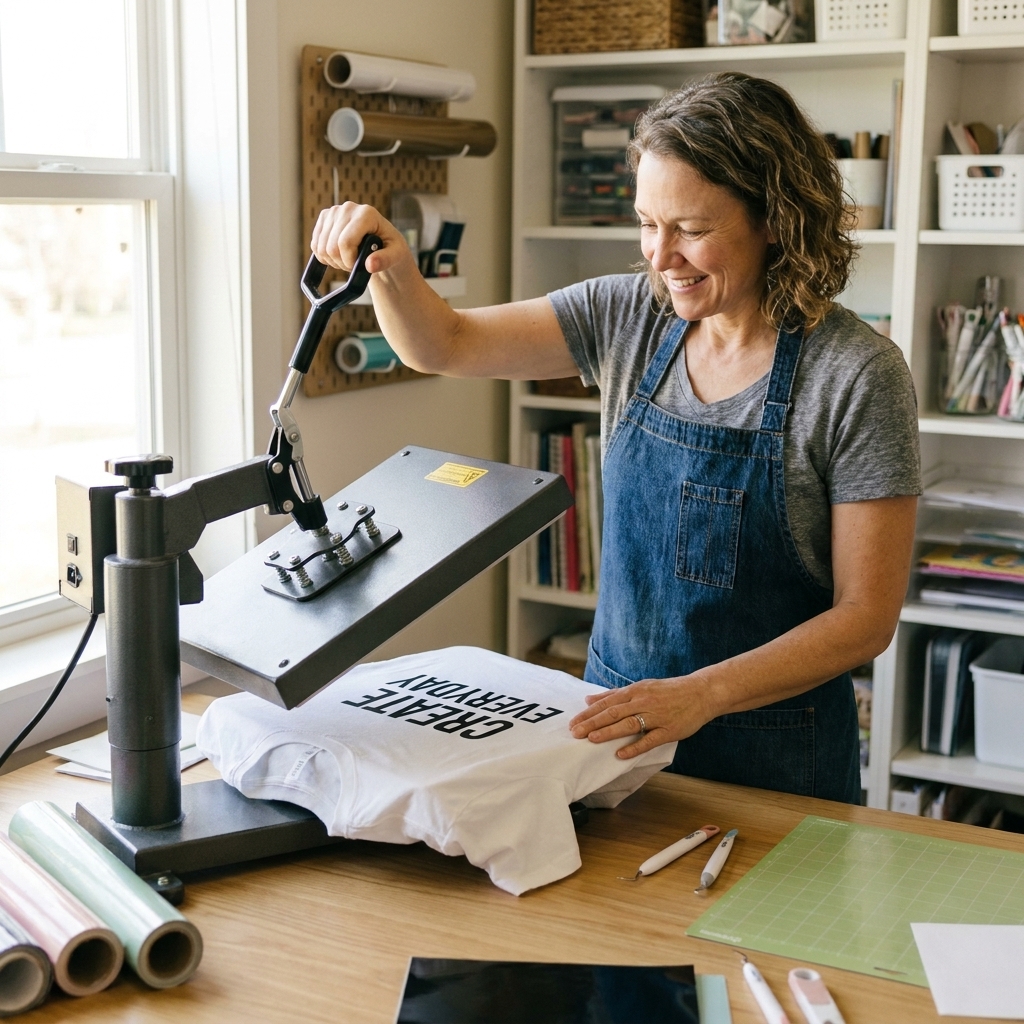
- Press tip: pre-press 5 seconds to remove moisture and wrinkles, then press per the vinyl brand settings.
Transfer tape basics
Transfer tape is the unsung hero of clean decals. The right tack level saves your sanity.
- Standard grip: my default for most permanent and removable vinyl decals (especially text).
- Strong grip: helpful for thick, textured specialty vinyl, but it can fight you on delicate designs. If it is too sticky, dab it on a clean shirt first to reduce tack.
- HTV note: HTV does not use transfer tape. It comes with its own clear carrier sheet.
My favorite holiday color combos
Color is where Christmas projects go from “cute” to “wow.” These combos also cut cleanly and weed without drama.
- Classic: red + white + evergreen
- Modern neutral: matte black + warm white + gold
- Sweet and playful: pink + mint + white (so good for gingerbread SVGs)
- Vintage: burgundy + cream + sage
- Icy: silver + pale blue + white (perfect for snowflakes)
Troubleshooting in Design Space
“My design imported huge or tiny.”
Click the design and check the size in the top toolbar. Many SVGs are created on different artboards. Resize, then save it as a project so you do not have to redo it later.
“It is cutting each letter separately.”
If it is script and letters overlap, try Weld or Combine: Union. If you simply want the spacing and layout to stay put on the mat, use Attach.
“There are random cut lines I did not see.”
Switch to Preview in the cut screen. If you spot stray shapes, go back to canvas and look in the Layers panel for tiny pieces you can delete.
“Weeding is ripping my small details.”
Use a fresh blade, change pressure only if needed, and consider switching to a less intricate version of the file for small projects. Also, reverse weeding (peeling the design off the backing) can help for delicate cuts.
FAQ
Are these SVGs really free to use?
“Free” depends on the designer’s license. Many are free for personal use, and some allow small business use with conditions. Always check the download page for usage terms before selling items.
What is the best vinyl for Christmas decals on windows?
Go with removable vinyl so it peels off cleanly after the season. Clean the glass first and avoid heavily textured windows.
Can I use the same SVG for both vinyl and HTV?
Yes. The cut file is the same. The difference is how you apply it. Permanent or removable vinyl sticks to hard surfaces, and HTV is heat-pressed onto fabric.
Why does my SVG look fine on screen but cut badly?
Most often it is blade wear, incorrect material setting, or a file that has too many nodes and tiny shapes. Do a small test cut and simplify your design if needed.
Pick one and make it today
If you are feeling overwhelmed, here is your no-stress starter plan: choose one simple SVG word like “Believe” or “Joy,” cut it from permanent vinyl, and put it on an ornament. One quick win turns into momentum fast, and next thing you know you are batch-making gift tags at midnight with Christmas music and a scraper in hand.
If you want, tell me what you are making this year (ornaments, signs, tags, or shirts) and what machine you have, and I will suggest 3 SVG styles that will cut cleanly without wasting your good vinyl.