A beginner-friendly Cricut dictionary that explains the words you keep seeing in tutorials, from kiss cut and weeding to SVGs, offsets, and Print Then Cut.
Maker Vinyl
Updated October 17, 2026
Top 10 Websites for Free Commercial Use SVGs
A crafter-friendly list of 10 reputable sites where you can download free SVGs for commercial use, plus how to double-check licensing, restrictions, and trademarks so your Cricut business stays protected.

Harper Davis
Harper Davis is a lifelong DIY enthusiast and cutting-machine expert who loves helping beginners conquer Cricut Design Space. With over six years of experience running a custom vinyl shop, she shares practical tutorials, material guides, and creative inspiration.
If you sell finished Cricut crafts, you already know the panic moment: you find the cutest free SVG, cut it perfectly, list your product… and then realize you never confirmed whether “free” meant “free for commercial use.” I have been there, and it is the worst kind of stomach drop.
Below are my go-to websites for high-quality free SVGs that are clearly labeled for commercial use (or include licensing that is easy to verify). I am also sharing exactly what I look for before I ever put a design on something I plan to sell.
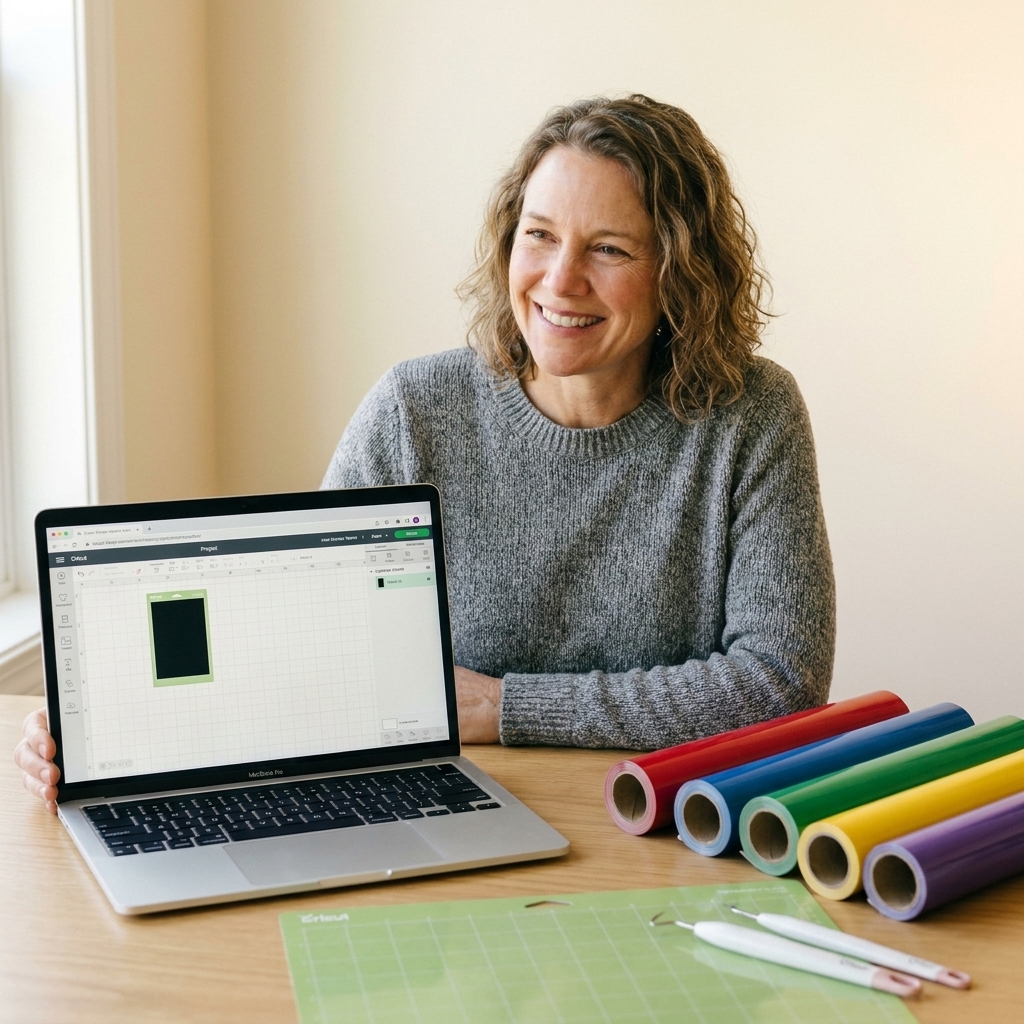
Quick licensing reality check
Even on reputable sites, commercial terms can vary by designer, by file, by platform rules, or by membership tier. Before you download, I recommend doing this quick checklist:
- Look for “Commercial Use” or “Commercial License Included.” If it only says “personal use,” stop there.
- Confirm what you are allowed to sell. Many licenses allow selling physical products (shirts, decals, mugs). Many also do not allow reselling, sharing, or gifting the digital SVG file.
- Watch for commercial use restrictions. Common trip-ups include “no print on demand,” “no third-party manufacturing,” or “no items for resale.”
- Check for attribution requirements. Some designers allow commercial use but want a credit link in your listing or website footer.
- Watch for limits. A license might cap you at a certain number of items sold (often called a “small business” license).
- Save proof. Screenshot or save the license page for the specific file in case the terms change later.
Two license red flags I personally treat as an automatic no: (1) terms that contradict themselves (one line says commercial, another says personal only), and (2) language that is so vague you cannot tell what you are allowed to sell.
And my biggest vinyl shop rule: if the license language is vague, missing, or contradictory, I skip it. There are too many good options to risk it.
Copyright, trademarks, and licenses
This is the part that saves a lot of people headaches:
- A license is permission from the creator or platform telling you how you can use the file.
- Copyright protects original artwork. Even if a site says “free,” that does not mean you can sell it.
- Trademarks protect brand identifiers like logos, team names, and certain phrases. Even with a commercial license, trademark use can still get you in trouble.
Translation: you need the right license and a design that is not built on someone else’s recognizable brand or character.
Top 10 websites for free commercial use SVGs
One note before we start: I always click into the license section on the specific download page. Terms can differ per asset, per designer, and per account type.
These are the sites I send beginners to when they want clean cut files, Cricut-friendly formats, and licensing that does not feel like a scavenger hunt.
1) Creative Fabrica (Freebies section)
Why I like it: Creative Fabrica is one of the easiest places to find trendy craft designs, and their freebies are updated often.
- Best for: On-trend quotes, seasonal bundles, simple icons, cut-ready SVGs.
- License tip: Do not assume every freebie is automatically commercial. Be logged in, open the license terms tied to that exact download, and confirm what the Standard License covers for that asset type.
- Cricut note: Files are usually clean and import smoothly into Design Space.
2) Design Bundles (Free Design Resources)
Why I like it: Their free section is genuinely useful, and each product page typically includes license details you can check before downloading.
- Best for: Cut files for decals and shirts, simple layered designs, bundles that include SVG + PNG + DXF.
- License tip: Check the license on the individual listing. Some freebies are commercial, some are not.
- Bonus: Many listings include a mockup preview so you can picture the final product.
3) SVGCuts (Free SVG Files)
Why I like it: If you are into paper crafts with your Cricut, SVGCuts is a classic. Their files are built for cutting, scoring, and assembling.
- Best for: 3D paper projects, boxes, cards, seasonal decor.
- License tip: Review their Angel Policy or Terms of Use for selling finished items, especially if you plan to sell at markets.
- Cricut note: These projects can have more pieces, so use a fresh blade and be patient with assembly.
4) Lovesvg.com
Why I like it: Super simple to browse, tons of variety, and you can find niche themes quickly.
- Best for: Single-design downloads, holiday graphics, hobby and lifestyle categories.
- License tip: This is a site where you really need to slow down. Licensing and file origin can be mixed, so verify the license on the download page and skip anything that looks derivative, uncredited, or too close to a brand, character, or trendy trademarked phrase.
- Quality tip: Open the SVG in Design Space and zoom in. If edges look jagged or nodes look wild, pick a different file.
5) Craft House SVG
Why I like it: Lots of craft-business friendly designs and a steady stream of freebies.
- Best for: Sayings, farmhouse-style graphics, holiday and teacher themes.
- License tip: Look for the commercial use statement on the freebie page and any limits on production runs.
- Cricut note: Great for HTV shirt projects because the designs are often bold and weeding-friendly.
6) The Hungry JPEG (Free Design of the Week and Freebies)
Why I like it: A lot of their designers cater to small businesses, and the file quality tends to be solid.
- Best for: SVG bundles, monogram frames, cut files plus coordinating PNGs.
- License tip: Check usage rights on the individual listing. Some offers are personal-use only.
- Practical tip: Download and store the license PDF or terms link with your file folder.
7) Pixabay (SVG and vectors)
Why I like it: When you need simple icons or clean shapes for labels, packaging stickers, or minimalist decals, Pixabay is handy.
- Best for: Icons, symbols, simple graphics you can build on in Design Space.
- License tip: Pixabay has its own license terms and they can change. Confirm the rules for the specific asset, and avoid anything resembling logos, sports teams, or character art.
- Cricut note: Not every “SVG” on a stock site behaves like a cut-ready craft file. Import it, check the layers, and be ready to do minor cleanup.
8) Vecteezy (Free vectors and SVGs)
Why I like it: Great for decorative elements like borders, flourishes, and pattern-style graphics when you want to create your own finished design.
- Best for: Design elements, backgrounds, badges, seasonal graphics.
- License tip: Pay attention to the difference between Free License and Pro. Some free assets require attribution, and some uses may be restricted by tier.
- Quality tip: Choose simpler vectors for cutting. Super detailed artwork can turn into tiny, frustrating vinyl pieces.
9) Freepik (Vectors)
Why I like it: It is a strong resource for design components when you want to create something more custom than a ready-to-cut quote.
- Best for: Vector elements you can combine into original designs, like florals, frames, and decorative icons.
- License tip: Many free assets require attribution, and usage rules can vary by asset and plan. Confirm commercial rules and attribution requirements before using on products you sell.
- Cricut note: Some files are design elements, not cut files. You may need to simplify, re-layer, or clean paths for smooth cutting.
10) Openclipart (Public domain clipart)
Why I like it: Public domain can mean fewer licensing hoops, which is a relief for certain basic projects.
- Best for: Simple clipart-style images, classic shapes, basic graphics.
- License tip: Openclipart labels content as public domain, but “public domain” claimed by an uploader is not a magic shield. Do your due diligence and skip anything that looks like it belongs to a brand, movie, sports team, or famous character.
- Quality tip: Some files are older or rougher. Pick the cleanest art and test-cut before producing items for sale.
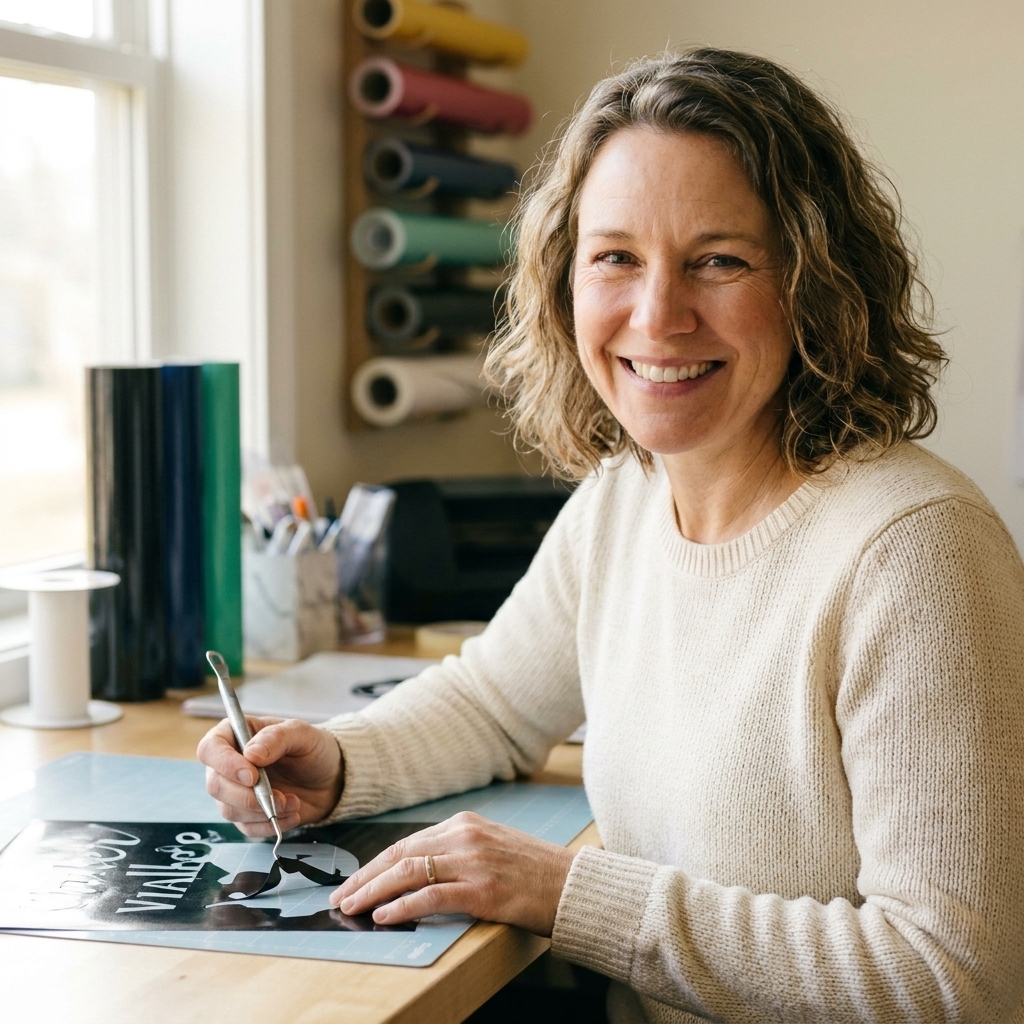
My safe to sell SVG workflow
If you want a repeatable process that keeps you protected, this is the simple routine I used when I was running custom orders nonstop:
- Create a folder per source site (example: “Design Bundles Free”).
- Save the SVG and a screenshot of the license page into the same folder.
- Copy the source URL into a quick spreadsheet (file name, designer, site, URL, license type, date downloaded). This sounds boring, and it saves you later.
- Rename the file with the designer name and license notes (example: “pumpkin-stack_JSmith_CU-ok.svg”).
- Test in Cricut Design Space: upload, check layers, confirm it is actually an SVG cut file (not a raster image stuffed into an SVG wrapper).
- Do a small test cut in inexpensive vinyl before committing to your good stuff.
Common questions
Can I sell items made from free SVGs?
Sometimes yes, but only if the license for that specific design allows commercial use. “Free download” does not automatically equal “free to sell.” Always verify the terms on the exact file page.
Can I sell the SVG file itself if I edit it?
Almost always no. Most licenses prohibit reselling or sharing the digital file, even with minor edits. Commercial use usually means you can sell physical finished products, not the digital artwork.
Do I need to worry about trademarks?
Yes. Even with a commercial license, you can still get into trouble using trademarked phrases, team names, brand logos, or character likenesses. When in doubt, keep your designs generic or original.
What file types should I look for as a Cricut user?
SVG is best for cutting because it preserves clean vector paths and layers. PNG is great for Print Then Cut (like stickers or printed transfers), but it will not behave like a layered cut file the way an SVG does. Design Space can cut around a PNG for Print Then Cut, but you are not getting the same clean, editable vector cut paths.
Final tip from my craft room
If you are building a small craft business, your best friend is boring organization. Keep your license proof, label your files, and stick to reputable sources. That way, when you get a last-minute order for 12 teacher totes, you can focus on cutting and pressing, not panicking about permissions.
Want me to expand this list with niche categories like free commercial use teacher SVGs or farmhouse signs? I am always testing new resources, and I would love to help you stock your design library the safe way.