Learn how to design, cut, weed, and press iron-on vinyl (HTV) onto a cotton shirt using Cricut Design Space, plus my best beginner tips for clean, long-lasti...
Maker Vinyl
Updated October 17, 2026
10 Free Funny T-Shirt SVG Designs for Cricut Iron-On
Download 10 free funny T-shirt SVGs made for Cricut iron-on (HTV). Includes clean single-layer cuts, weeding-friendly designs, and beginner-friendly pressing tips.

Harper Davis
Harper Davis is a lifelong DIY enthusiast and cutting-machine expert who loves helping beginners conquer Cricut Design Space. With over six years of experience running a custom vinyl shop, she shares practical tutorials, material guides, and creative inspiration.
Confession: I started making shirts because I was mad at a cutting machine. Now I keep making them because nothing beats the moment someone reads your tee, snort-laughs, and says, “Okay, where did you get that?”
This free download is built for that exact moment. You get 10 funny quote SVGs that are HTV-friendly, meaning clean single-color layouts, smooth paths, and letter spacing that weeds without turning into a tiny vinyl crime scene.
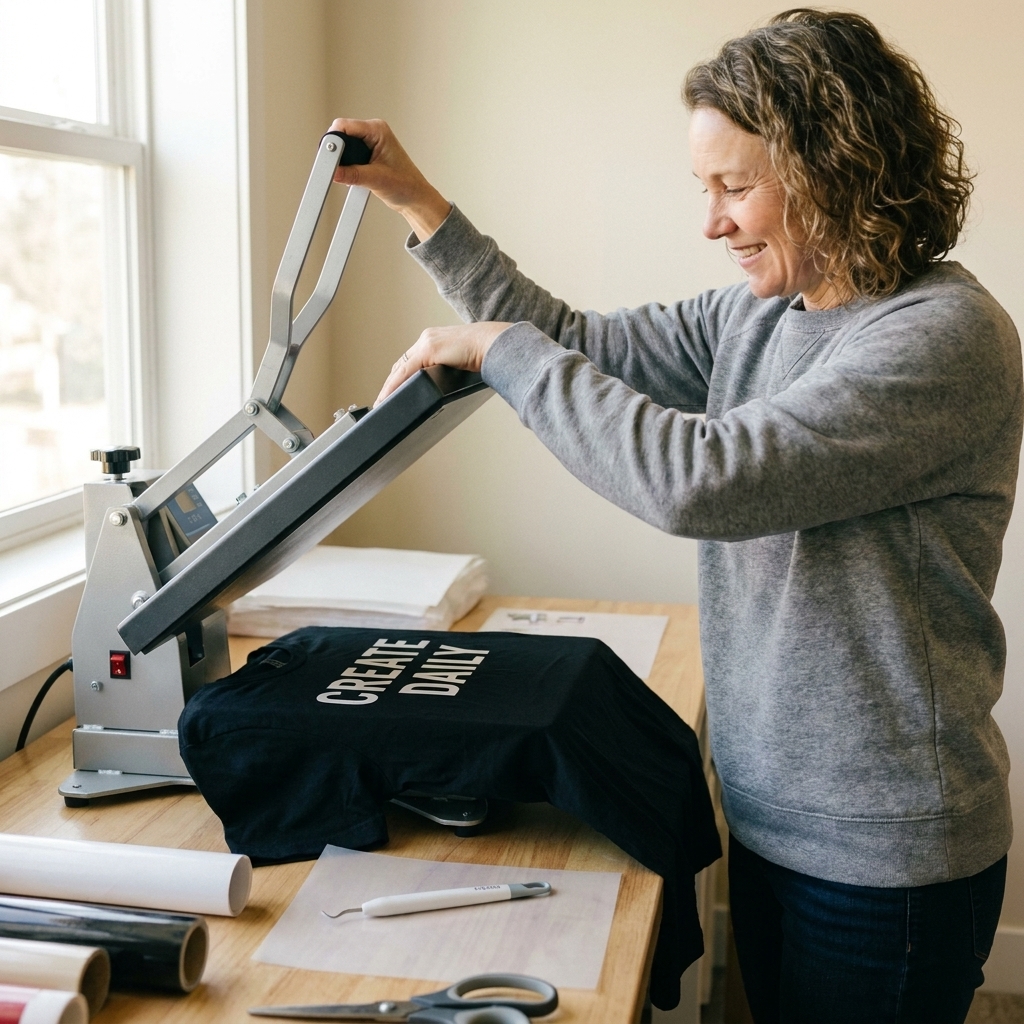
What you get in the free download
- 10 humorous quote designs sized and arranged to work great on adult tees
- SVG format for Cricut Design Space
- Simple, single-layer cuts that are beginner-friendly for iron-on
- Weeding-friendly line thickness so you are not battling skinny text
Quick note: These are intended for personal use and gifts. If you run a shop and want to sell finished shirts, you will need a license from the designer. MakerVinyl freebies are meant to keep your craft budget happy, not get you in trouble.
What you will need
You do not need a craft room full of gadgets, but a few basics make this so much easier.
- Cutting machine (Cricut Joy, Joy Xtra, Explore, or Maker)
- StandardGrip mat (or Smart Materials if you use them)
- HTV (iron-on vinyl)
- Blank T-shirt (cotton is the easiest place to start)
- Weeding tool and/or tweezers
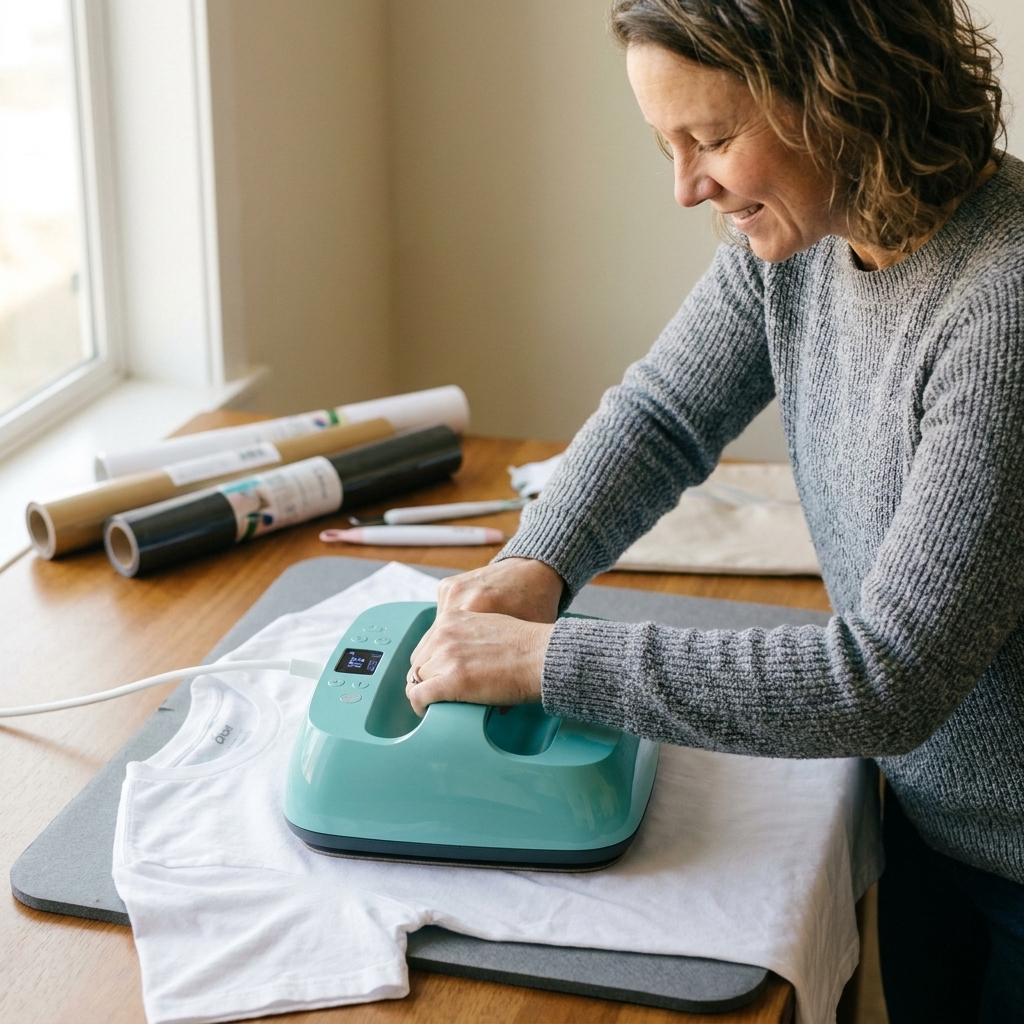
- Heat press, Cricut EasyPress, or household iron (press is easiest for consistent results)
- Firm pressing surface (pressing mat or sturdy table, not a padded ironing board)
- Parchment paper or a cover sheet
The 10 funny T-shirt SVGs (with project notes)
Here is what is inside the bundle, plus my best “learned the hard way” tips for each style.
1) “I’m Not Bossy, I’m Efficient”
Best for: office humor, team shirts, craft night hosts
HTV tip: Everyday Iron-On is a great all-around pick for most tees. If your shirt is extra stretchy (think triblend or spandex blends), grab Stretch HTV instead.
2) “Powered by Coffee & Chaos”
Best for: parents, teachers, shift workers, basically all of us
HTV tip: Use a matte HTV if you want it to look more boutique and less shiny.
3) “I Can’t Adult Today”
Best for: weekend wear, pajama shirts, comfy oversized tees
HTV tip: Stick to simple block text for a fast cut and fast weed.
4) “If You See Me Talking to Myself, Mind Your Business”
Best for: introverts, work-from-home warriors, grocery store therapy
HTV tip: If you resize smaller and letters start overlapping, use Weld so overlaps do not create odd cut lines.
5) “Sorry I’m Late, I Didn’t Want to Come”
Best for: party people who are not party people
HTV tip: This one looks great center chest, but it also works as a smaller left chest print.
6) “My Playlist Is Better Than Your Vibe”
Best for: music lovers, concert tees, gym shirts
HTV tip: Try glitter HTV for a fun contrast, but remember glitter usually likes a little more pressure. Follow your brand directions.
7) “I’m Fine. Everything’s Fine.”
Best for: relatable chaos, group trips, family reunions
HTV tip: On stretchy triblend tees, do not crank the time way up. Instead, press according to your HTV brand instructions, then do a short second press (with a cover sheet) if you see any edges that look suspicious.
8) “Professional Overthinker”
Best for: students, planners, crafters who measure 19 times
HTV tip: Mirror is non-negotiable. Mirroring makes sure the text reads correctly after you flip it onto the shirt and press.
9) “Be Nice. I Might Be Your Uber Later.”
Best for: drivers, friends trips, bachelor and bachelorette weekends
HTV tip: Use high-contrast colors so it reads fast from a distance.
10) “I Put the Pro in Procrastinate”
Best for: your craft bestie, your teenager, you on laundry day
HTV tip: Want a slightly distressed look? Some HTV will “crack” a bit if you gently flex the shirt after it fully cools, but not all vinyl plays nice. Test on a scrap first and skip this if you want a super smooth, long-lasting finish.
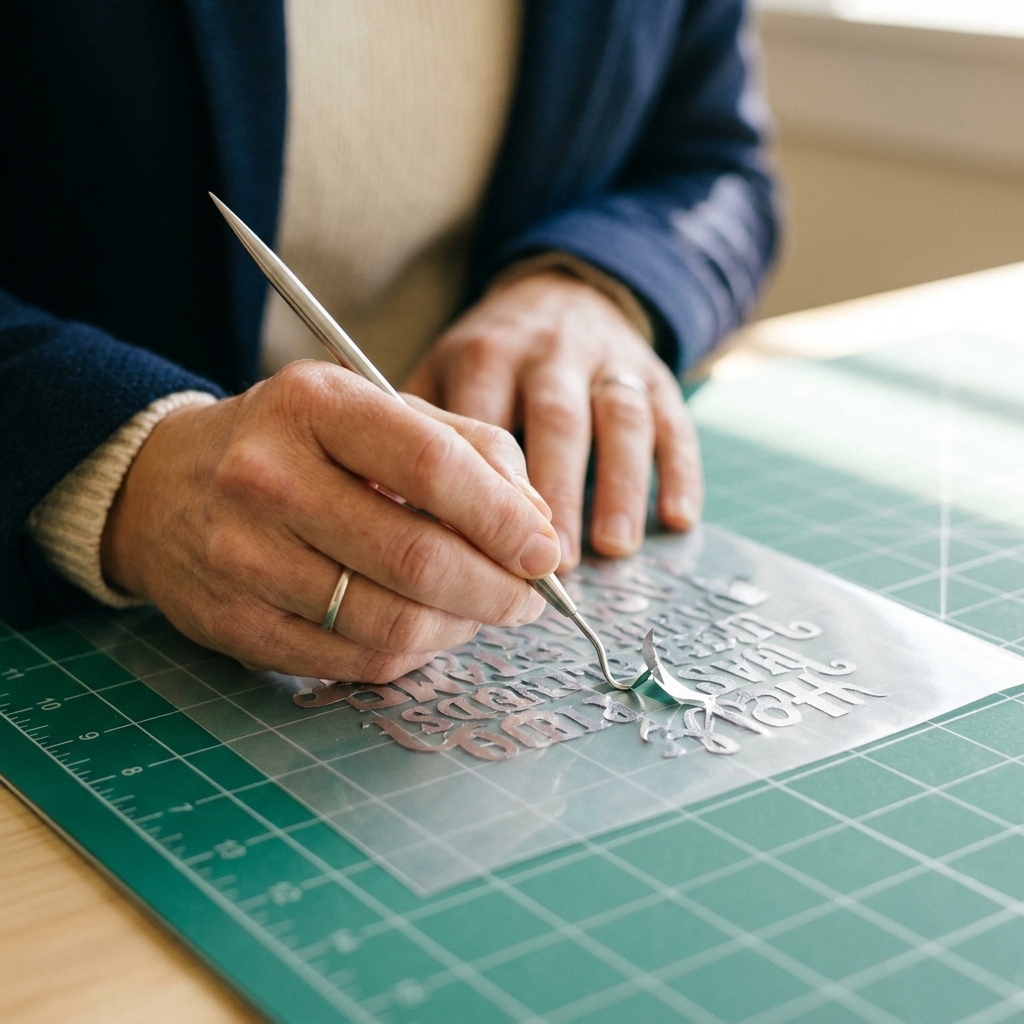
How to upload and cut in Cricut Design Space
If Design Space still feels like a maze, you are in the right place. Here is the exact flow I use for iron-on designs.
- Download the SVG bundle to your computer or device.
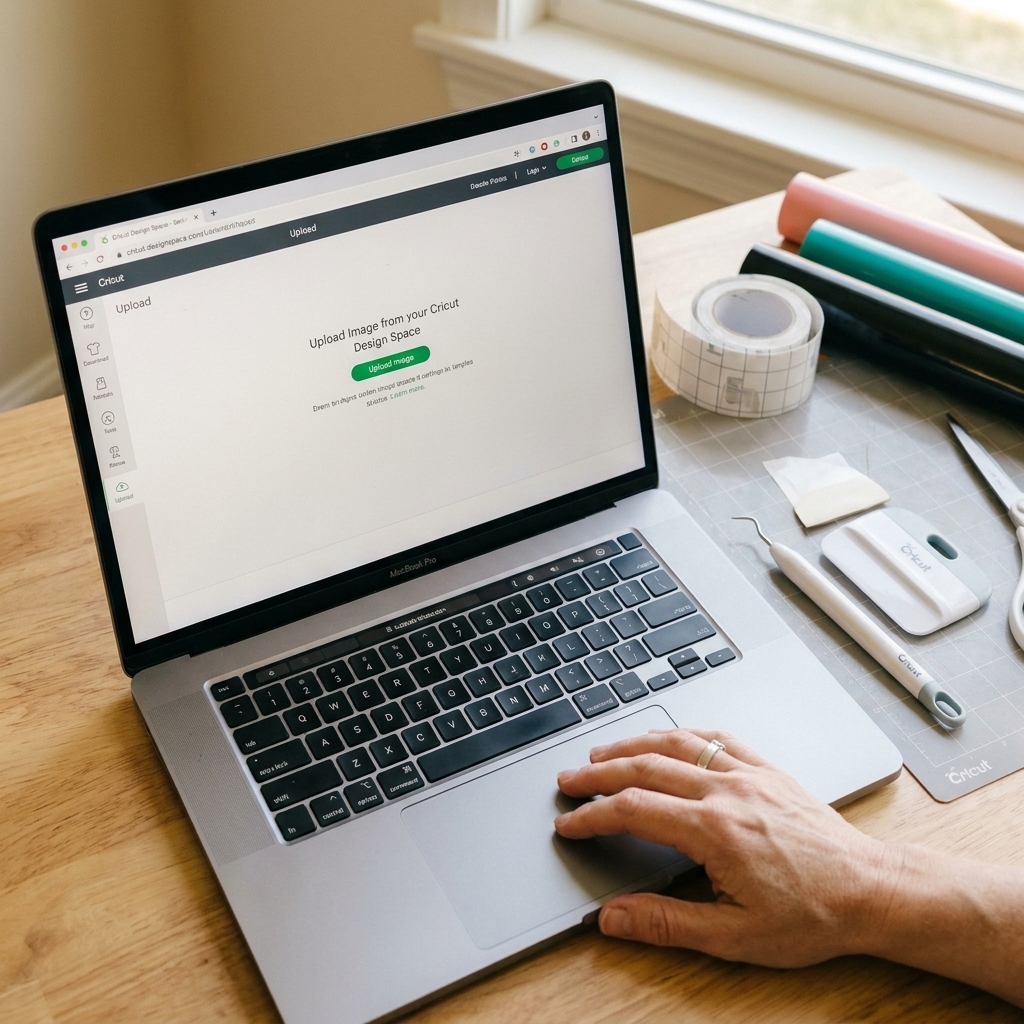
- Open Cricut Design Space and click Upload.
- Choose Upload Image and select the SVG you want.
- Click Add to Canvas.
- Size your design before you hit Make It. For adult tees, I usually start around 9 to 11 inches wide for full front, depending on shirt size.
- Click Make It.
- Toggle Mirror ON for iron-on.
- Choose your material setting (I start with Everyday Iron-On as a baseline and adjust if needed).
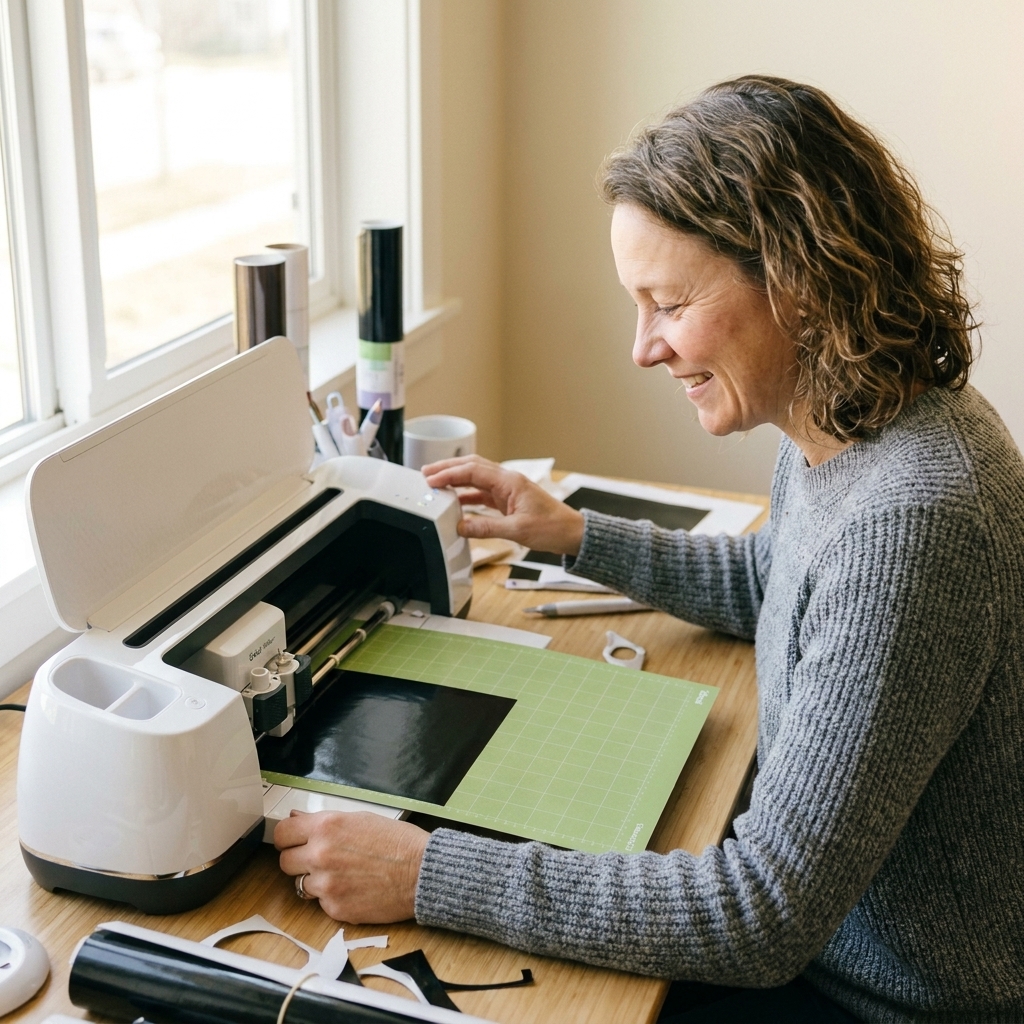
- Load your mat with HTV shiny side down and cut.
Harper’s sanity saver: When you place HTV on the mat, run your hand over it and look for the carrier sheet shine. If it is shiny side up, flip it. Your blade should cut the vinyl, not the clear carrier.
Pressing tips that survive laundry
Most “my vinyl is peeling” problems are really time, temp, and pressure problems. Here is my go-to approach.
Before you press
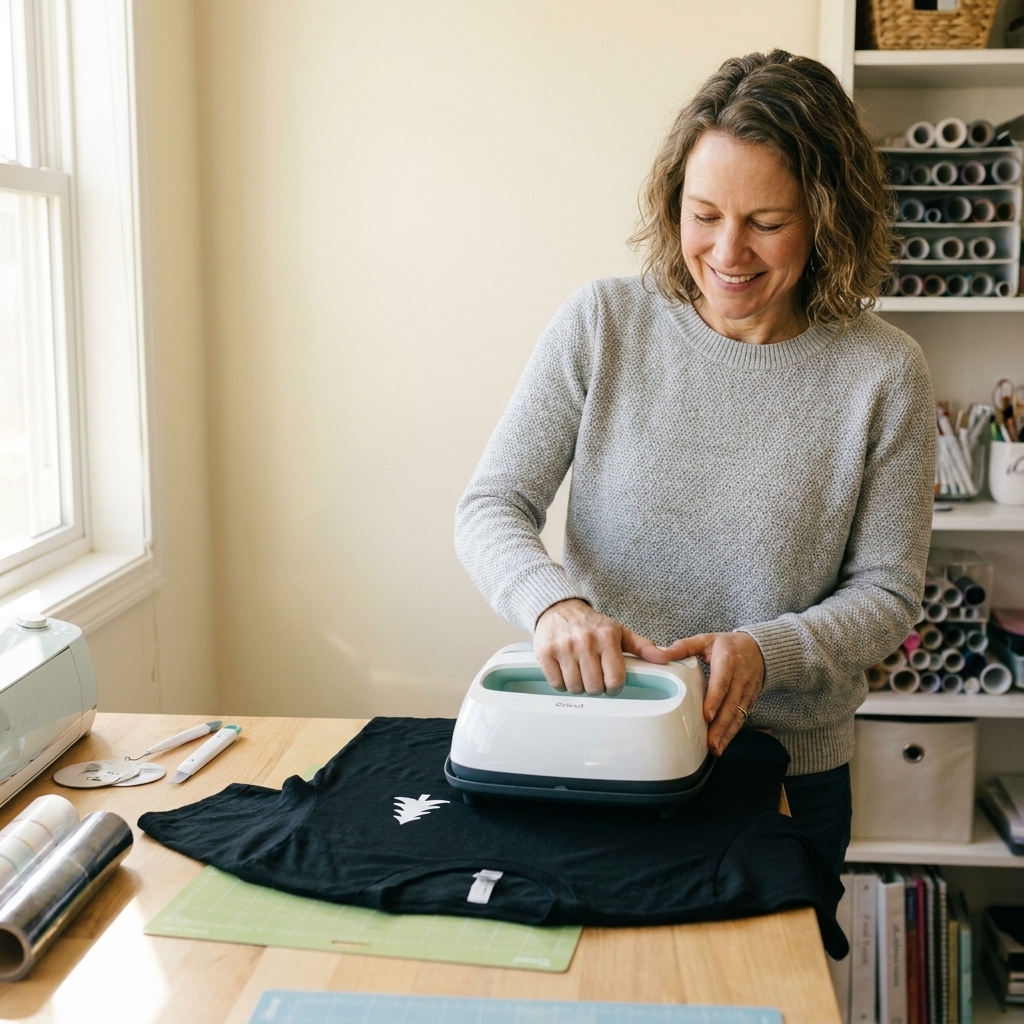
- Pre-press the shirt 5 to 10 seconds to remove moisture and wrinkles.
- Lint roll the area. Tiny fuzz can block adhesion more than you would think.
- Use a firm pressing surface. Sofas and padded ironing boards are vinyl sabotage.
During the press
- Follow your HTV brand’s temp and time first. Different finishes vary a lot.
- Apply even pressure. If you are using an EasyPress, lean in with steady body weight.
- If your design is large, press in sections to keep heat consistent, but do not overcook the vinyl trying to “make it extra permanent.” Consistent heat and pressure wins.
After the press
- Check your carrier sheet instructions: hot peel, warm peel, or cool peel.
- If any corner lifts, lay the carrier back down (or use a cover sheet) and press again for a few seconds using the same temp.
- Wait 24 hours before washing if possible.
Wash care
- Wash inside out in cold or warm water.
- Skip fabric softener if you can.
- Tumble dry low or air dry.
- Avoid ironing directly on the vinyl.
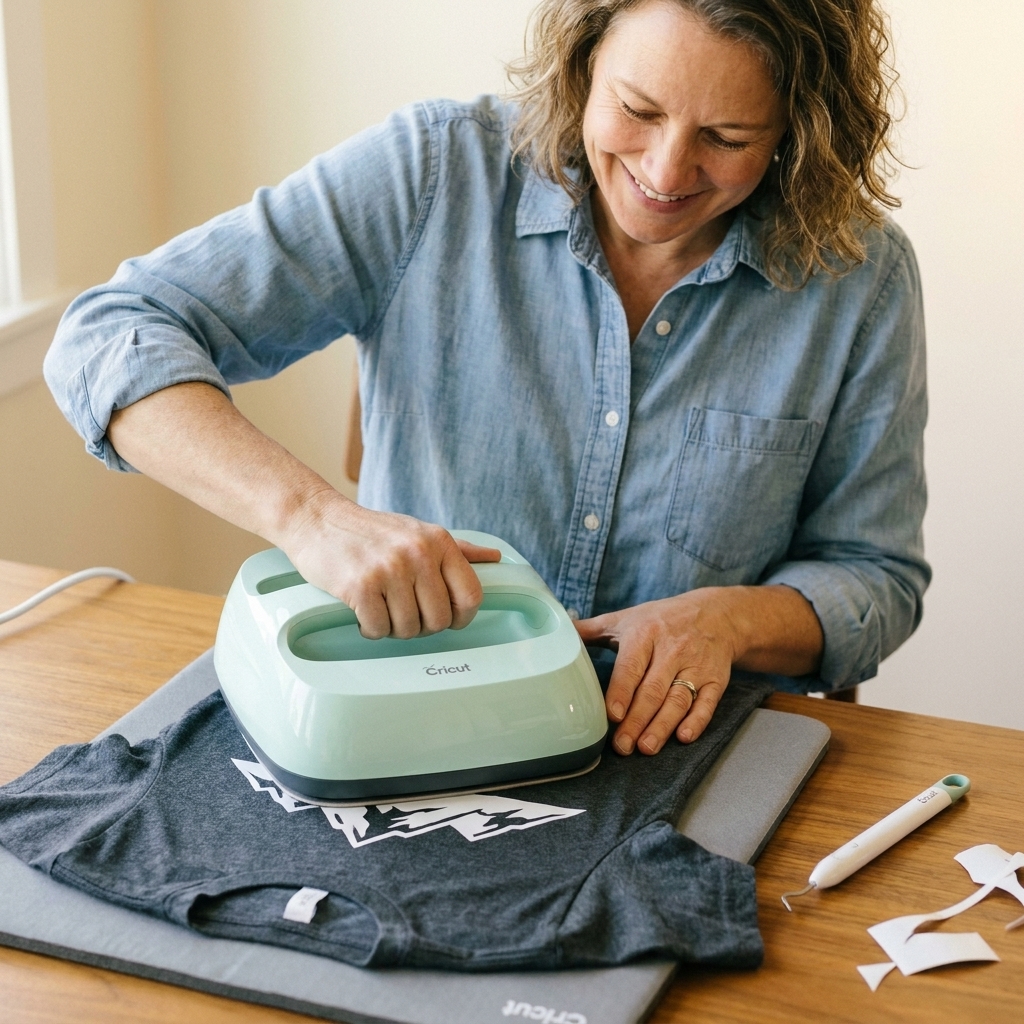
Best vinyl and shirt pairings
You can absolutely use what you have, but if you are shopping specifically for crisp, readable text shirts, these combos are reliable:
- Everyday Iron-On + 100% cotton tee: easiest for beginners, great adhesion
- Stretch HTV + triblend tee: best when the shirt has lots of stretch
- Matte HTV + ringspun cotton: boutique look, smooth finish
- Glitter HTV + thicker cotton: helps support the heavier vinyl finish
If your text is small, avoid super textured blanks. Heathered and triblends are fine, but heavy waffle texture or deep ribbing can make tiny letters look bumpy.
Troubleshooting
My design cut through the carrier sheet
Lower pressure or choose a lighter material setting. Also make sure your blade is clean and seated correctly.
My vinyl did not weed cleanly
Try a slightly higher pressure, or switch to a fresh blade. For fussy designs, a light box or bright window makes weeding so much easier.
Edges are lifting after pressing
Press again with a little more pressure and confirm you are peeling at the right time (hot, warm, or cool). Some HTV hates being peeled too early.
The vinyl looks wrinkled
Pre-press longer to flatten seams and moisture, and make sure your pressing surface is firm.
Download and start pressing
These designs were made to be quick wins. Pick your favorite quote, mirror it, cut it, and make someone laugh. If you share your finished shirt, tag MakerVinyl so I can cheer you on and help troubleshoot if anything gets spicy.
Best beginner pick: Start with “Powered by Coffee & Chaos” in a single color on a cotton tee. Simple cut, easy weed, high reward.
FAQ
Can I use these SVGs with a Cricut Joy?
Yes, as long as your design size fits your machine. The original Cricut Joy is best for smaller placements like left chest and sleeves because of its cut width limits. If you want full-front adult tees, you will have an easier time with a larger machine (or a Joy Xtra).
Do I need to weld anything in Design Space?
Usually no. If you resize a design very small and letters start touching, welding can prevent overlapping letters from creating odd cut lines. For normal tee sizes, you should be good.
Should I use SVG or PNG for iron-on?
Use SVG whenever you can. It stays crisp when you resize and it cuts cleaner, especially for text.
What size should I make the design for an adult shirt?
A common starting point is 9 to 11 inches wide for full front. For left chest, try 3 to 4 inches wide. Always measure the shirt panel and adjust to taste.