Find free SVGs you can legally use on products you sell. Here are 10 trusted sources for Cricut and vinyl projects, with licensing tips, restrictions to watc...
Maker Vinyl
Updated October 17, 2026
Free SVG Commercial Licenses Explained
Selling Cricut-made items with free SVGs? Learn the difference between personal use, limited commercial use, and public domain, plus what to check before you list products.

Harper Davis
Harper Davis is a lifelong DIY enthusiast and cutting-machine expert who loves helping beginners conquer Cricut Design Space. With over six years of experience running a custom vinyl shop, she shares practical tutorials, material guides, and creative inspiration.
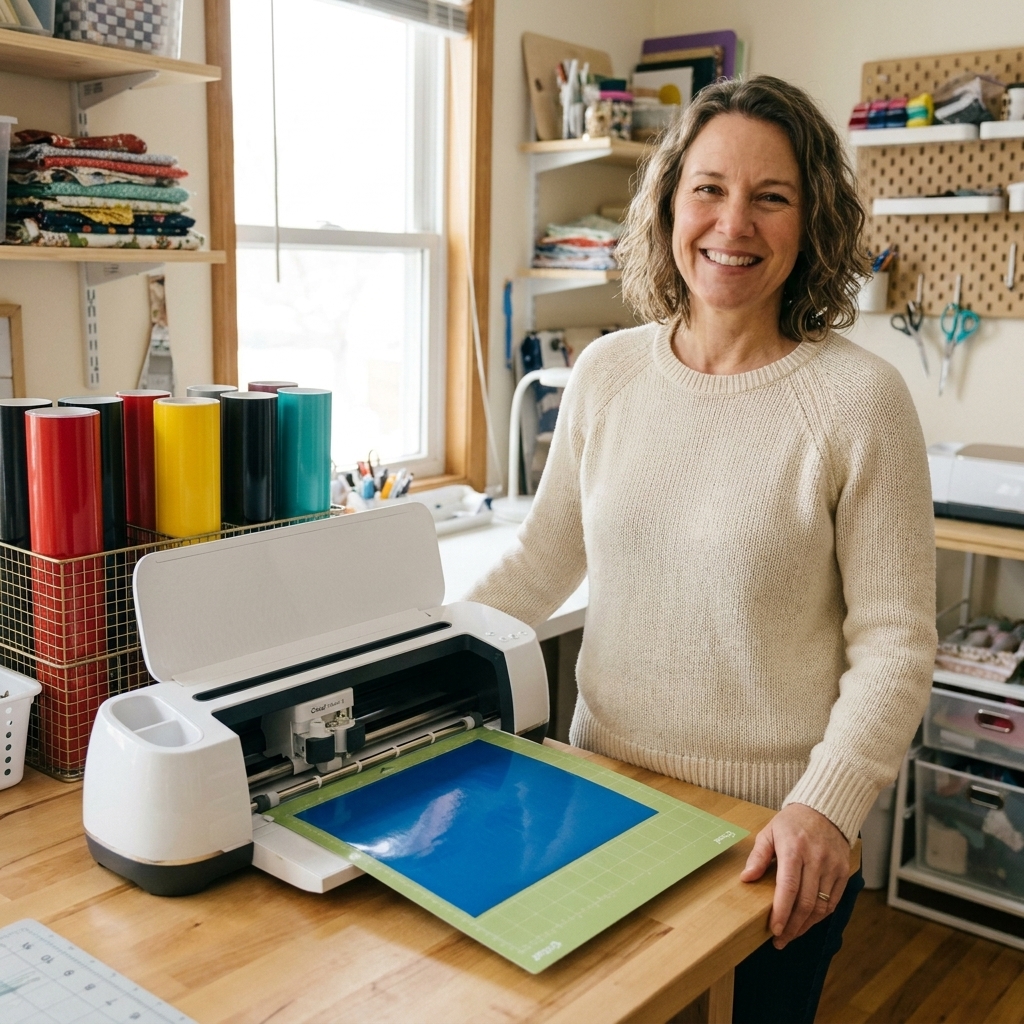
I get it. You find a cute free SVG, upload it into Cricut Design Space, cut it in vinyl, and suddenly you are thinking, “This would sell.” That jump from “crafting for fun” to “crafting for sale” is exactly where licensing matters.
I have run a custom vinyl shop for years, and licensing is one of those topics that feels scary because it sounds legalistic. The good news is you do not need to be a lawyer to protect your little business. You just need a reliable checklist and a few definitions that actually make sense.
First, a quick reality check: “Free” is not the same as “commercial use”
A free SVG can be free in a few different ways:
- Free to download but restricted to personal use.
- Free with limited commercial use (often with conditions like credit or small sales caps).
- Free because it is public domain (the underlying artwork may be free of copyright restrictions, but trademarks can still bite you and the specific vector file can still have its own rights).
- Free because it is stolen (yep, this happens a lot in SVG groups and random download sites).
If you sell products made from an SVG without permission, you can get hit with a takedown, lose your shop listing, or worse. Even if you “found it on Pinterest,” as a seller you can still face enforcement and you are the one dealing with the mess.
Personal use vs commercial use (in plain English)
Personal use
Personal use usually means you can make items for yourself or as gifts, but you cannot sell the finished product. Think: matching family shirts for a vacation, a decal for your own water bottle, or a baby shower onesie you gift to your sister.
Personal use licenses often also forbid:
- Using the design in any paid class or workshop
- Using the design in an advertisement for your business
- Uploading the SVG to a shared drive or a Facebook group
Commercial use
Commercial use means the designer is giving you permission to use the design to make products you sell. Commercial licenses often include limits, which is why you always want to find and read the actual terms.
What “limited commercial use” usually means
Limited commercial use is the most common license attached to free SVGs, and it is also the one that causes the most confusion.
Here are typical limitations you might see:
- Sales cap: You may sell up to a certain number of physical products (for example, 50, 100, or 500 units).
- Small business only: Allowed for handmade sellers, not mass manufacturing.
- No print-on-demand: You cannot upload the design to POD sites where a third party prints and ships for you, unless the license explicitly allows production partners or POD.
- Credit required: You must credit the designer in product listings or social posts.
- No logo use: You cannot use the design as a business logo or in branding.
- No digital redistribution: You cannot share, resell, or include the SVG in bundles, even if you “edited it.”
- Only on physical products: You can sell a shirt or sticker you made, but you cannot sell a printable file or digital download using the design.
As a vinyl shop owner, the sales cap is the one I see crafters miss the most. If you blow past the cap, you are outside the license, even if the SVG was free.
Public domain and Creative Commons
Public domain
Public domain means the underlying work is not protected by copyright, either because the copyright expired or it was released into the public domain by the creator. In many cases, public domain art can be used commercially without asking permission.
Two big cautions for craft sellers:
- Trademarks still apply. A work might be public domain, but you can still get in trouble if you use it in a way that infringes a trademark. (Example: a story may be old, but a modern brand version, name, or look might be protected.)
- The file can have its own rights. Even if the underlying artwork is public domain, a specific SVG can include new creative choices (like vectorization style, arrangement, and details) that may be protected. That is why “public domain SVG” should still be double-checked.
- The file might not actually be public domain. Some sites incorrectly label things “public domain” or upload content they do not own.
Creative Commons (CC) licenses
Creative Commons is a family of licenses, not one single “free to use” rule. When you see CC, look for the letters:
- CC BY: Commercial use allowed, but attribution is required.
- CC BY-SA: Commercial use allowed, attribution required, and adaptations must be shared under the same license (this can be tricky for businesses).
- CC BY-ND: No derivatives. For sellers, this usually means you should not edit the design and you cannot share adapted versions. Even if private tweaks can be a gray area, selling products based on modified artwork can put you in a risky spot.
- CC BY-NC: Noncommercial. You cannot use it to sell products.
If you cannot tell which CC license applies, do not assume it is OK for selling.
Where sellers get tripped up
1) Selling the file vs selling a finished product
Most SVG licenses allow you to sell physical finished products, but forbid selling the digital file or anything that lets others recreate it easily.
For example, a license might allow:
- Selling a physical decal you applied to a tumbler
- Selling a finished t-shirt
But forbid:
- Selling the SVG, DXF, PNG, or “cut-ready” file
- Selling a printable or sticker sheet download
- Including the SVG in a “commercial bundle”
2) “I changed it, so it is mine”
Resizing, flipping, adding an offset, changing fonts, or welding shapes usually does not erase the original copyright. If the license says “no derivatives” or “no sharing modified files,” they mean it. In practice, the question is often whether your finished design is still recognizably based on the original. If it is, treat it as covered by the original license.
3) Using a design as your logo
Even when commercial use is allowed, logo and branding rights are often excluded. Designers do not want hundreds of shops using the same “free” graphic as a brand identity.
4) POD and third-party production
If you upload a design to a print-on-demand site or send cut files to a production partner, you are typically providing the design to a third party for manufacturing. Some licenses prohibit that unless they explicitly allow POD, manufacturing, or production partners. Do not assume.
Font licenses matter too
SVGs get the attention, but fonts quietly cause just as many problems. Common font licensing gotchas:
- Desktop license is not the same as product sales. Many fonts allow you to install and design, but limit selling items you make with the font unless you have a commercial license.
- No logo or trademark use. Some font licenses allow products, but forbid using the font in a logo or brand identity.
- No embedding or file sharing. Uploading a font file to a shared drive, sending it to a contractor, or bundling it with a template is often prohibited.
- “Free font” sites are messy. A lot of free-font downloads are reuploads with missing or fake licenses. Whenever possible, download from the type designer or a reputable marketplace with clear terms.
If your SVG includes text, you need rights to the graphic and the font.
How to evaluate a free SVG license
Here is my “before I cut a whole pile of vinyl” checklist.
Step 1: Find the license on the original designer’s site
If the SVG came from a random download site, a Facebook group, or a Pinterest pin, click through until you find the original listing or the creator’s website. If you cannot locate the source, treat it as unsafe for selling.
Step 2: Look for these exact permissions
- Commercial use allowed? Yes or no.
- Physical products allowed? (shirts, decals, signs, mugs)
- Digital products allowed? (usually no)
- Any sales limit? (50, 100, 500, unlimited)
- Is POD or production partner use allowed?
- Is attribution required? If yes, where?
- Any restricted product categories? (for example, “no stickers” or “no fabric” is rare but possible)
Step 3: Save the license terms
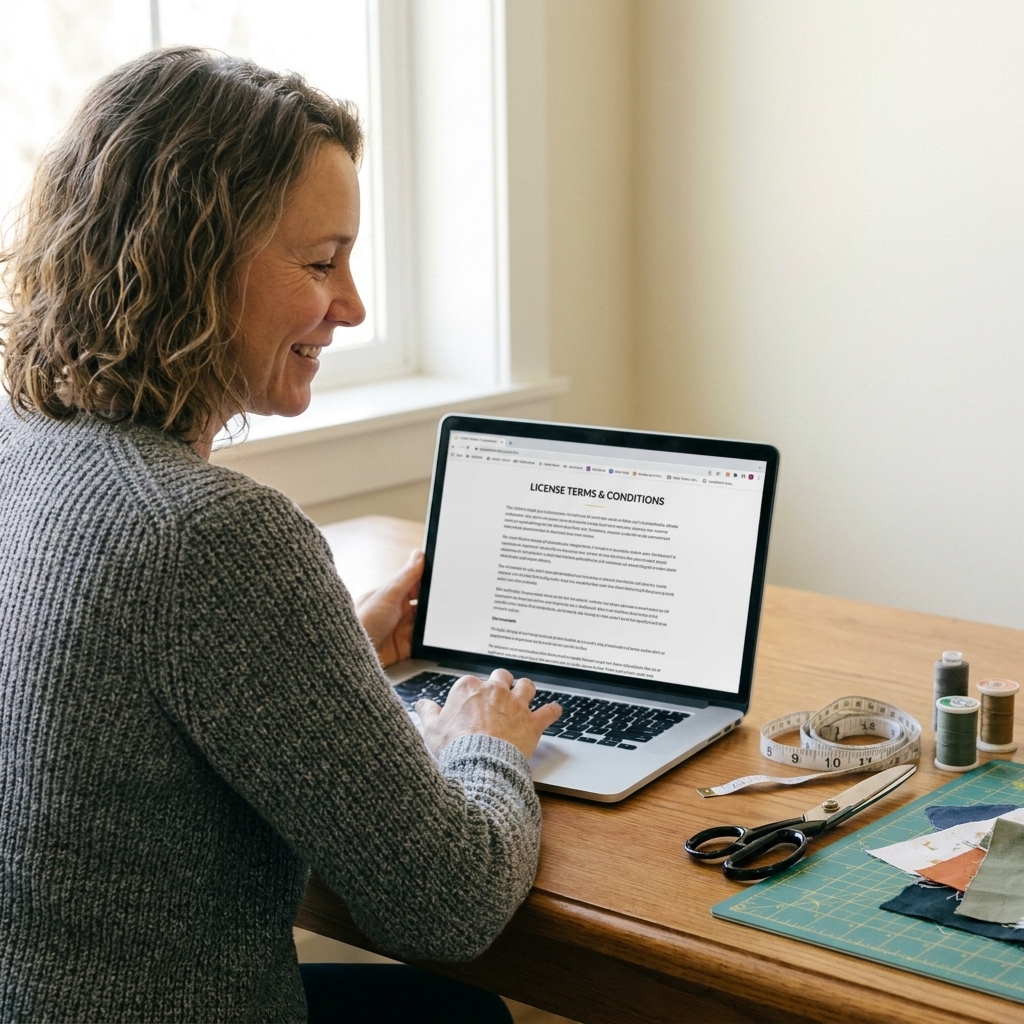
Licenses can change. I recommend saving a PDF or screenshot of the page that shows the terms, plus your proof of download or purchase, and storing it in a folder for your shop.
Step 4: Check for red flags
- No license page at all
- Conflicting statements like “commercial use ok” but also “no selling allowed”
- A site offering hundreds of “Disney” or other major brand SVGs for free
- Files that look like they were traced from a movie poster or a big brand logo
Trademarks: the “but I bought the file” problem
This is the part that surprises a lot of Cricut business owners: a license from an SVG designer does not protect you from trademark law.
Common examples of trademark trouble in the craft world:
- Brand names and logos (sports teams, colleges, companies)
- Character names and recognizable catchphrases
- Some short phrases used on shirts when they are used like a brand, meaning they signal the source of the goods or are tied to a protected name in that product category
Even if someone is selling an SVG that says “commercial use,” they might not have the rights to license it in the first place. When in doubt, build your product line around:
- Original designs you create
- Fonts and graphics with clear commercial licenses
- Public domain art from reputable sources
- Paid SVGs from creators who provide explicit small business licenses
What to do if the license is unclear
If you cannot find a clear license, or the wording is confusing, you have three solid options:
- Message the designer and ask for permission in writing. Keep the reply for your records.
- Buy a commercial license upgrade if it is offered.
- Pick a different SVG with terms that are crystal clear.
My personal rule: if I have to squint and “interpret” a license, I do not use that design for products I sell. Vinyl is expensive. Peace of mind is priceless.
This article is general information, not legal advice, and rules can vary by country and platform.
FAQ
Can I sell items made with designs from Cricut Design Space?
It depends on what you used and which policy applies. Cricut images and fonts, including those available through Cricut Access, fall under Cricut’s usage rules, often referred to as the Cricut Angel Policy. That policy can change over time, so it is worth searching the current version and saving a copy for your records. For uploads you found elsewhere and brought into Design Space, the license comes from the original creator, not Cricut.
If a site says “free for commercial use,” do I need to credit the designer?
Only if the license requires it. Some commercial licenses require attribution, others explicitly say credit is appreciated but not required. Follow the exact wording.
Does “no redistribution” mean I cannot sell decals?
Usually “no redistribution” means you cannot share or resell the digital file. Selling finished physical items is often allowed under commercial terms, but you must confirm the license says commercial use is permitted.
Can I use a free SVG as part of my logo?
Most free SVG licenses do not allow logo use. Look for language like “no trademark, no logo, no branding.” If you want a logo, it is worth commissioning something original or buying a design with explicit branding rights.
What about “public domain SVGs” on free download sites?
Be careful. Public domain status is often misapplied, and even public domain artwork can be packaged into a new SVG file with its own restrictions. Try to trace the file back to a reputable source and confirm the work is genuinely public domain, not just reposted.
My seller-safe rule of thumb
When you are building products for Etsy, craft fairs, Shopify, or local boutiques, aim for designs with:
- Clear commercial permission
- No weird restrictions you cannot realistically track
- A source you can verify
- Documentation you can save
You do not have to be perfect, but you do need to be intentional. If you want, bookmark this page and make it part of your “new SVG intake” routine right next to your test cut settings. Your future self will thank you.